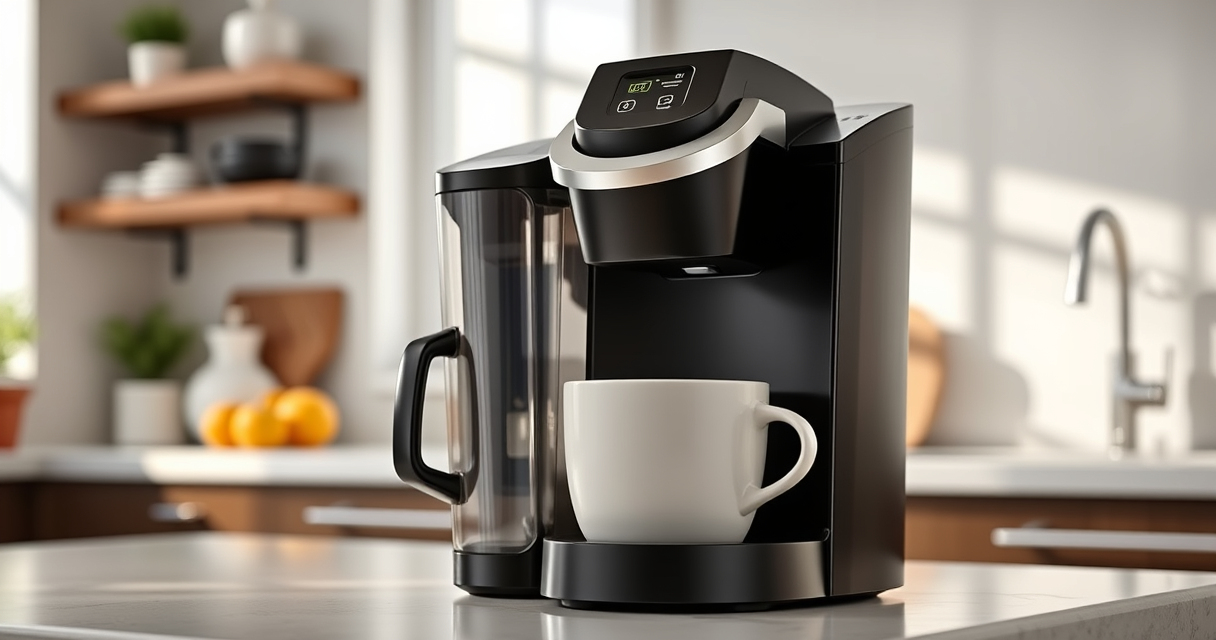

If your Keurig K-Mini isn’t brewing a full cup, it can be frustrating. Often, the issue stems from clogs, mineral buildup, or water flow problems. This guide provides practical, step-by-step solutions to get your coffee maker brewing correctly again, ensuring you enjoy your favorite beverages without hassle.

Get home appliances delivered free with Prime
- Fast, free delivery on millions of items
- Prime Video, Amazon Music and more included
- Member-only deals all year
Follow these straightforward troubleshooting steps to resolve common issues safely and effectively, saving you time and unnecessary repairs.
Key Takeaways
| Start with basic cleaning | Cleaning the water reservoir and needle often fixes brewing issues. |
| Check for clogs | Mineral deposits and blockages can restrict water flow. |
| Use descaling products | Regular descaling prevents buildup that hampers performance. |
| Ensure proper assembly | Incorrect assembly of parts can cause brewing problems. |
| Try reusable filters or pods | Using ground coffee or reusable filters can improve flow and flavor. |
Step 1: Turn Off and Unplug Your Keurig
Always disconnect your Keurig K-Mini from the power source before performing any maintenance to ensure safety and prevent electrical issues.
Step 2: Empty and Clean the Water Reservoir
- Remove the water reservoir from your machine.
- Wash it with warm, soapy water, rinse thoroughly, and dry completely.
- Refill with fresh water before brewing again.
Step 3: Clean the Needle and K-Cup Holder
- Use a paperclip or the Keurig needle cleaning tool to clear any clogs in the brew needle.
- Carefully insert the tool into the needle opening and gently move it around to dislodge debris.
- Remove any leftover coffee grounds or buildup from the K-Cup holder.
Step 4: Descale Your Keurig
Mineral buildup can cause partial brewing issues. Use a descaling solution or a mixture of equal parts white vinegar and water. Run a brewing cycle without a K-Cup to flush out deposits. Repeat with fresh water to rinse thoroughly.
Step 5: Check Assembly and Use Reusable Filters
Ensure all parts are correctly assembled. For ground coffee, consider using a reusable filter like the My K-Cup® Reusable Coffee Filter (asin=B0FN6NKZGT) to improve water flow and flavor consistency.
The Products in This Guide

Keurig K-Mini Single Serve K-Cup Pod Coffee Maker
- ✔ Capacity: 6-12oz
- ✔ Weight: Less than 5 lbs
- ✔ Color: Black

My K-Cup® Reusable Coffee Filter
- ✔ Reusable: Yes
- ✔ Material: Plastic
- ✔ Compatibility: Keurig K-Mini
Keurig K-Mini Single Serve K-Cup Pod Coffee Maker
The Keurig K-Mini is a sleek, space-saving coffee maker suitable for small kitchens or offices. It brews between 6-12oz, making it versatile for different cup sizes, and is easy to clean and maintain.
Pros:
- Fits in small spaces
- Brews quickly
- Removable drip tray
- Energy efficient
Cons:
- Limited water capacity
- No on/off button
- Not compatible with all ground coffee filters
Best for: Small kitchens, dorm rooms, offices
Not ideal for: Large households or those needing multiple cups at once
Bottom line: A compact, reliable coffee maker ideal for small spaces, with straightforward maintenance.
My K-Cup® Reusable Coffee Filter
The My K-Cup® Reusable Coffee Filter is perfect for brewing your favorite ground coffee in your Keurig K-Mini. It helps you avoid disposable pods, saving money and reducing waste, while ensuring full flavor extraction.
Pros:
- Reusable and eco-friendly
- Compatible with Keurig K-Mini
- Brews full-flavor coffee
- Easy to clean
Cons:
- Requires ground coffee
- Slightly more cleanup
- Not compatible with all models
Best for: Ground coffee lovers, eco-conscious users
Not ideal for: Those wanting quick, pod-based brewing
Bottom line: An eco-friendly, cost-effective way to enjoy your favorite ground coffee with your Keurig.
Frequently Asked Questions
Why does my Keurig only brew half a cup?
This is often caused by clogs in the brew needle, mineral buildup, or improper assembly. Cleaning and descaling usually resolve the issue.
How often should I descale my Keurig?
Descaling is recommended every 3 months to prevent mineral deposits from affecting brewing performance.
Can I use ground coffee instead of K-Cups?
Yes, with a reusable filter like the My K-Cup®, you can brew ground coffee in your Keurig K-Mini.
What should I do if cleaning doesn’t fix the problem?
If cleaning and descaling don’t help, check for broken parts or consider professional repair or replacement.
Get Your Keurig Brewing Perfectly Again
With these simple troubleshooting steps, you can fix common issues causing your Keurig K-Mini to brew partial cups. Regular cleaning and descaling are key to maintaining optimal performance. If problems persist, consider using a reusable filter or seeking professional advice to keep your coffee routine smooth and enjoyable.
Affiliate disclosure: As an Amazon Associate we earn from qualifying purchases. Prices and availability are accurate as of the time of publishing.
NFL season / tailgating Picks
team gear
As an affiliate, we earn on qualifying purchases.