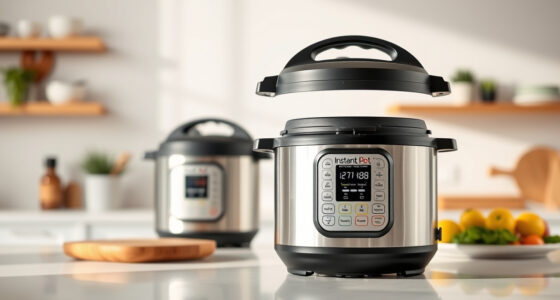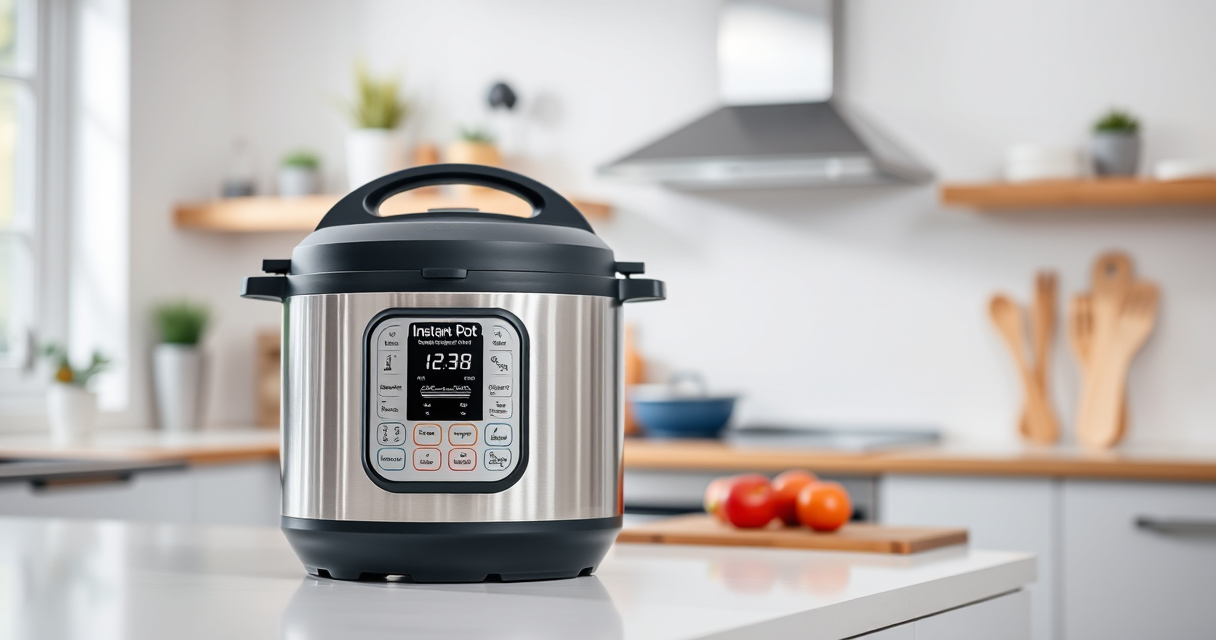

If your Instant Pot displays a burn warning during cooking, don’t panic. This common issue can often be resolved quickly with the right steps. Understanding the causes of the burn error helps prevent it from happening again and ensures your meals turn out perfect every time.

Get home appliances delivered free with Prime
- Fast, free delivery on millions of items
- Prime Video, Amazon Music and more included
- Member-only deals all year
In this guide, you’ll learn the main reasons behind the burn error, how to troubleshoot it safely, and practical fixes. Whether you’re a beginner or experienced user, these step-by-step instructions will help you get your Instant Pot back on track with minimal fuss.
Key Takeaways
| Main Cause | Burn errors usually occur due to food sticking to the bottom or overfilling. |
| Prevention Tips | Proper layering and avoiding thick sauces can help prevent burn messages. |
| Immediate Fix | Add liquid, scrape the bottom, and reset to clear the error. |
| Maintenance Tips | Regularly check the sealing ring and inner pot for proper fit. |
Understanding the Burn Error
The burn error message on your Instant Pot is designed as a safety feature to prevent food from scorching or burning. It typically appears during pressure cooking when the device detects that food is stuck to the bottom of the inner pot or if there’s insufficient liquid for safe pressure buildup.
Common causes include thick sauces, foods that tend to stick, overfilling the pot, or improper layering of ingredients. Recognizing these causes helps you troubleshoot effectively and avoid recurring issues.
Step 1: Turn Off and Release Pressure
- Press the ‘Cancel’ button to stop cooking.
- Quickly release the pressure by turning the steam release handle to the ‘Venting’ position. Be cautious of hot steam.
- Wait until the float valve drops, indicating pressure is fully released.
Step 2: Open the Lid and Inspect
Carefully open the lid once all pressure is released. Check the inner pot for food stuck to the bottom or signs of burning. This visual inspection helps determine the next steps.
Step 3: Remove and Clean the Inner Pot
- Remove the inner pot and inspect for burnt food or residue.
- If food is stuck, soak the inner pot in warm soapy water or use a non-abrasive scrubber to clean thoroughly.
Step 4: Add Liquid and Clear the Burn Message
- Pour an additional 1/2 cup to 1 cup of water or broth into the inner pot. This helps prevent further burning and ensures proper pressure build-up.
- Use a spatula or spoon to gently scrape any stuck food from the bottom—avoid scratching the surface.
Step 5: Reset and Restart
Securely close the lid, ensuring the sealing ring is properly in place. Select the appropriate cooking program and start again. Keep an eye on the process to ensure the burn error does not recur.
Additional Tips and Safety Warnings
- Always ensure there is sufficient liquid in the recipe—at least 1 cup for most models.
- Avoid thick sauces or foods that tend to stick, or add a layer of liquid or broth before pressure cooking.
- Check the sealing ring regularly for cracks or deformation; a faulty seal can cause pressure issues and errors.
- Never force open the lid while the device is under pressure.
The Products in This Guide

Instant Pot 4QT RIO Mini 7-in-1 Multi-Cooker
- ✔ Capacity: 4 Quarts
- ✔ Functions: 7-in-1
- ✔ Size: Mini

AOZITA Steamer Basket
- ✔ Material: Stainless Steel
- ✔ Design: Stackable 2-tier
- ✔ Compatibility: 6 & 8 quart models
Instant Pot 4QT RIO Mini 7-in-1 Multi-Cooker
The Instant Pot 4QT RIO Mini 7-in-1 Multi-Cooker offers a space-saving design without sacrificing functionality. With seven different cooking modes, it’s ideal for small households and those looking for quick, versatile meal prep.
Pros:
- Space-saving size
- Multiple cooking functions
- Easy to clean
- Modern design
Cons:
- Limited capacity for large meals
- Learning curve for some functions
- Requires attention to prevent burn errors
Best for: Small families, singles, students, kitchen with limited space
Not ideal for: Cooking for large groups, recipes needing more than 4-quart capacity
Bottom line: Ideal for small kitchens needing versatile cooking in a compact form.
AOZITA Steamer Basket
The AOZITA Steamer Basket enhances your Instant Pot experience by allowing you to steam vegetables, eggs, and more simultaneously. Its 2-tier design maximizes space and efficiency.
Pros:
- Two-tier design
- Stainless steel mesh
- Easy to clean
- Multi-use compatibility
Cons:
- Takes up some space inside the pot
- Requires careful handling when stacking
- Not suitable for very small foods
Best for: Cooking multiple items at once, steaming vegetables and eggs
Not ideal for: Using as a primary cooking vessel, large batch steaming
Bottom line: A versatile accessory that increases your Instant Pot’s functionality.
Frequently Asked Questions
Why does my Instant Pot show a burn error even when I haven’t cooked thick sauces?
Burn errors can happen if food sticks to the bottom or if there’s not enough liquid. Even light sauces can cause this if food is unevenly layered or overfilled.
How can I prevent the burn error during cooking?
Use sufficient liquid (at least 1 cup), avoid thick sauces or add liquid on top, and make sure ingredients are layered properly. Also, avoid overfilling the pot.
What should I do if the burn error keeps appearing?
Check for stuck food, clean the inner pot thoroughly, ensure the sealing ring is in good condition, and add more liquid if necessary. Sometimes, replacing the sealing ring helps.
Can I still cook if the burn error appears?
Yes, but you should follow the troubleshooting steps: release pressure safely, clean the pot, add liquid, and restart. Do not force open the lid during pressure buildup.
Is it safe to keep using my Instant Pot after a burn error?
Yes, as long as you’ve identified and fixed the cause—such as cleaning stuck food and ensuring sufficient liquid—it’s safe to continue cooking.
Keep Your Pressure Cooker Cooking Smoothly
The burn error on your Instant Pot is a common issue but easily manageable with proper troubleshooting. Regular maintenance, correct layering, and adequate liquid help prevent it from recurring. By following these steps, you’ll enjoy safe, efficient, and delicious meals every time.
Affiliate disclosure: As an Amazon Associate we earn from qualifying purchases. Prices and availability are accurate as of the time of publishing.
Halloween Picks

Haunted Hill Farm 2-Ft. Zombie Raccoon Halloween Animatronic

10 ft Halloween Inflatable Archway – Pumpkin, Skeleton & Candy Yard Décor

Spirit Halloween 4 ft 7 in Sitting Scarecrow Animatronic
As an affiliate, we earn on qualifying purchases.