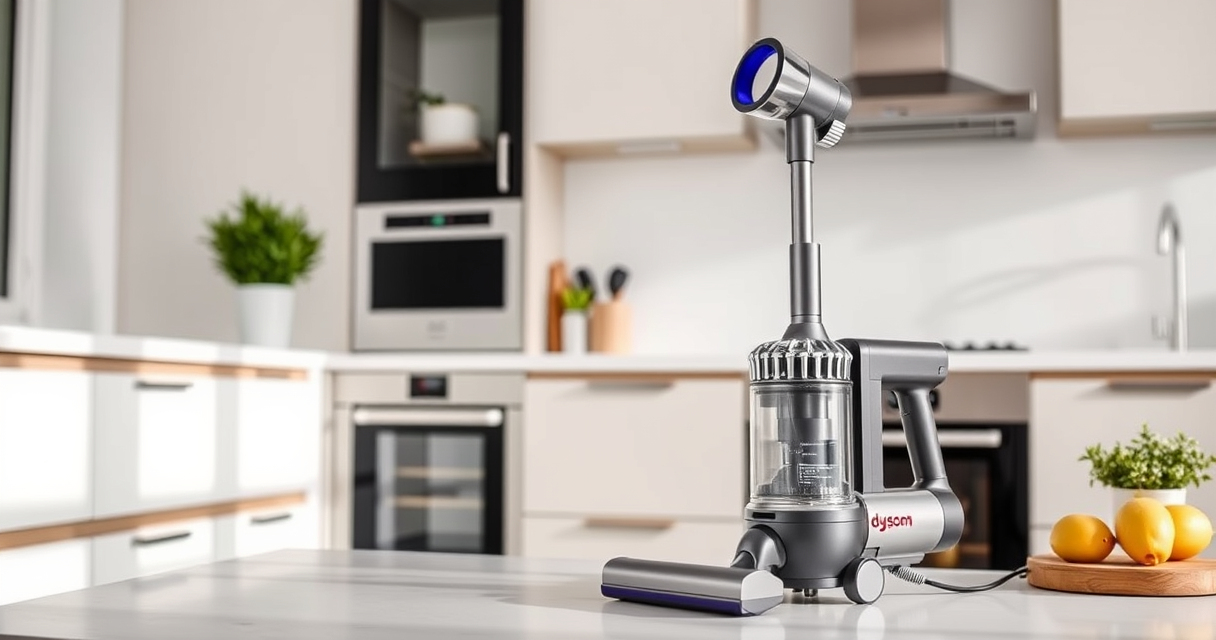

Maintaining your Dyson V15 Detect™ Origin cordless vacuum is essential to ensure optimal performance and longevity. Regular upkeep not only keeps your device running smoothly but also preserves its powerful suction and advanced features. In this comprehensive guide, you’ll find practical, safe, and clear instructions on how to clean, replace filters, troubleshoot common issues, and perform routine maintenance tasks.

Get home appliances delivered free with Prime
- Fast, free delivery on millions of items
- Prime Video, Amazon Music and more included
- Member-only deals all year
Whether you’re a new user or a seasoned Dyson owner, following these steps will help you get the most out of your vacuum. From filter care to brush cleaning, we’ve covered everything you need to keep your Dyson V15 in top shape.
Key Takeaways
| Routine Filter Cleaning | Clean filters regularly to maintain suction and airflow. |
| Brush and Head Maintenance | Clear hair and debris from cleaner heads to prevent clogs. |
| Battery and Motor Care | Check for overheating and ensure safe charging practices. |
| Troubleshooting Common Issues | Identify and fix power, suction, and sensor problems easily. |
| Using Recommended Attachments | Utilize compatible tools for hard-to-reach areas and upholstery. |
Step 1: Regular Filter Maintenance
- Remove the pre-filters and main filters from the vacuum according to the manufacturer’s instructions. For the Dyson V15 Detect™, access the filters by opening the filter compartment.
- Rinse the filters under cold water. Avoid using soap or detergents, as these can damage the filter material.
- Shake off excess water and let the filters air dry completely—preferably for at least 24 hours—before reinstalling.
- Replace filters every 2-3 months or sooner if you notice reduced suction or increased dust escape.
Tip: Keep a set of spare filters (like the 3Pack Pre Filters) handy for quick replacements and consistent performance.
Step 2: Cleaning the Cleaner Heads and Attachments
- Detach the cleaner head from the wand or main body.
- Remove any hair, fibers, or debris tangled around the brush bar or in the nozzles. Use scissors carefully if needed.
- Use a damp cloth to wipe down the head and check for blockages in the air pathways.
- Clean the crevice tool (like the LANMU Crevice Tool) regularly to ensure it reaches tight spots effectively.
- Reassemble and test the cleaner head to confirm smooth operation.
Tip: Regular cleaning of heads prevents loss of suction and prolongs the life of the motorized brush bars.
Step 3: Battery and Power Troubleshooting
- Ensure the vacuum is fully charged using the original charger. Check for the charging indicator on the LCD screen.
- If the vacuum isn’t turning on, verify the power trigger is pressed firmly and that the device is properly assembled.
- Inspect the battery for signs of overheating or swelling. If issues persist, contact Dyson support for battery replacement options.
- For devices with a power mode, make sure it’s set appropriately for your cleaning needs.
- Run a quick test by cleaning a small area to see if the suction and battery life meet expectations.
Warning: Avoid using incompatible chargers or exposing the battery to extreme temperatures to prevent damage or safety hazards.
Step 4: Troubleshooting Common Problems
- Loss of Suction: Clear blockages in the wand, cleaner heads, and filters. Replace filters if dirty or clogged.
- Power Loss or Switch Issues: Check the power trigger and ensure it’s fully engaged. Reset by turning off and on again.
- LCD Alerts: Follow on-screen prompts to replace filters or check debris pathways.
- Unusual Noises: Remove and inspect brush bars for tangled hair or debris. Lubricate or replace parts if necessary.
- Battery Not Charging: Confirm the charger is working and connections are secure. Replace the battery if it no longer holds charge.
Tip: Refer to Dyson support for persistent issues beyond routine troubleshooting.
Step 5: Safe Storage and Handling
- Store the vacuum in a dry, cool place away from direct sunlight and extreme temperatures.
- Ensure the device is turned off and disconnected from the charger before storage.
- Keep attachments in a designated storage area to prevent damage and loss.
- Regularly inspect the cord and charger for wear and replace if damaged.
- When not in use for extended periods, remove the battery if possible to prevent drainage.
Tip: Proper storage prolongs both battery health and the overall lifespan of your Dyson vacuum.
The Products in This Guide

Dyson V15 Detect™ Origin Cordless Vacuum
- ✔ Model: V15 Detect™ Origin
- ✔ Color: White/Silver
- ✔ Warranty: 2 years

LANMU Crevice Tool Vacuum Attachments Compatible
- ✔ Package Includes: 1 crevice tool
- ✔ Material: Plastic
- ✔ Warranty: 6 months
Dyson V15 Detect™ Origin Cordless Vacuum
<p>The Dyson V15 Detect™ Origin offers powerful, intelligent cleaning with an LCD screen that displays particles, power modes, and maintenance alerts. Its advanced heads and deep cleaning capabilities make it a top choice for whole-home use.</p> <p>Regular maintenance is key to keeping this vacuum performing at its best, from filter care to head cleaning. Follow this guide for safe, effective upkeep.</p>
Pros:
- Powerful suction
- Intelligent debris detection
- Long battery life
- Versatile attachments
Cons:
- Filters need regular cleaning
- Heavier than some handhelds
- Requires routine filter replacement
Best for: Homeowners seeking deep, efficient cleaning across all floor types.
Not ideal for: Not suited for very small or cluttered storage spaces, or users who prefer ultra-lightweight vacuums.
Bottom line: Keep your Dyson V15 Detect™ performing optimally with regular, careful maintenance.
LANMU Crevice Tool Vacuum Attachments Compatible
<p>The LANMU Crevice Tool attaches seamlessly to your Dyson V15 and makes cleaning tight spots, edges, and upholstery effortless. Its slim, flexible design ensures you reach every corner without scratching surfaces.</p> <p>Ideal for detailed cleaning around furniture, car interiors, or keyboards, this attachment enhances your vacuum’s versatility.</p>
Pros:
- Narrow and flexible
- Compatible with multiple Dyson models
- Easily navigates tight spaces
- Effective debris removal
Cons:
- Additional attachment adds bulk
- Requires additional storage space
- Not a replacement for larger heads
Best for: Cleaning corners, edges, and small spaces in homes or cars.
Not ideal for: Not suitable for large debris or deep pile carpets.
Bottom line: Enhance cleaning precision with this versatile crevice tool.
Frequently Asked Questions
How often should I clean or replace the filters in my Dyson V15 Detect?
It’s recommended to rinse the filters every 1-2 months and replace them every 2-3 months depending on usage. Regular cleaning ensures optimal suction and air quality.
What should I do if my vacuum loses suction?
Check and clean the filters, clear any blockages in the wand or cleaner head, and ensure the dustbin is emptied properly. Replace filters if they are dirty or damaged.
Can I use other attachments with my Dyson V15?
Yes, Dyson-compatible attachments like the LANMU Crevice Tool can be used to extend cleaning reach and versatility, especially for corners and upholstery.
How do I troubleshoot battery or charging issues?
Ensure the charger is working correctly, connections are secure, and the battery isn’t overheating. If the vacuum still doesn’t charge, contact Dyson support for possible battery replacement.
Is it safe to wash the filters?
Yes, most filters can be rinsed with cold water. Make sure they are completely dry before reinstalling to prevent mold and damage.
Keep Your Dyson V15 Detect Performing Like New
Routine maintenance is the key to ensuring your Dyson V15 Detect™ Origin cordless vacuum maintains its powerful performance over time. Regularly cleaning filters, heads, and attachments, along with troubleshooting issues promptly, will keep your device running efficiently for years to come. With these simple steps, you can enjoy deep cleaning without the hassle.
Adopt a regular maintenance routine, and your Dyson will reward you with consistently excellent results, making your cleaning chores easier and more effective every time.
Affiliate disclosure: As an Amazon Associate we earn from qualifying purchases. Prices and availability are accurate as of the time of publishing.