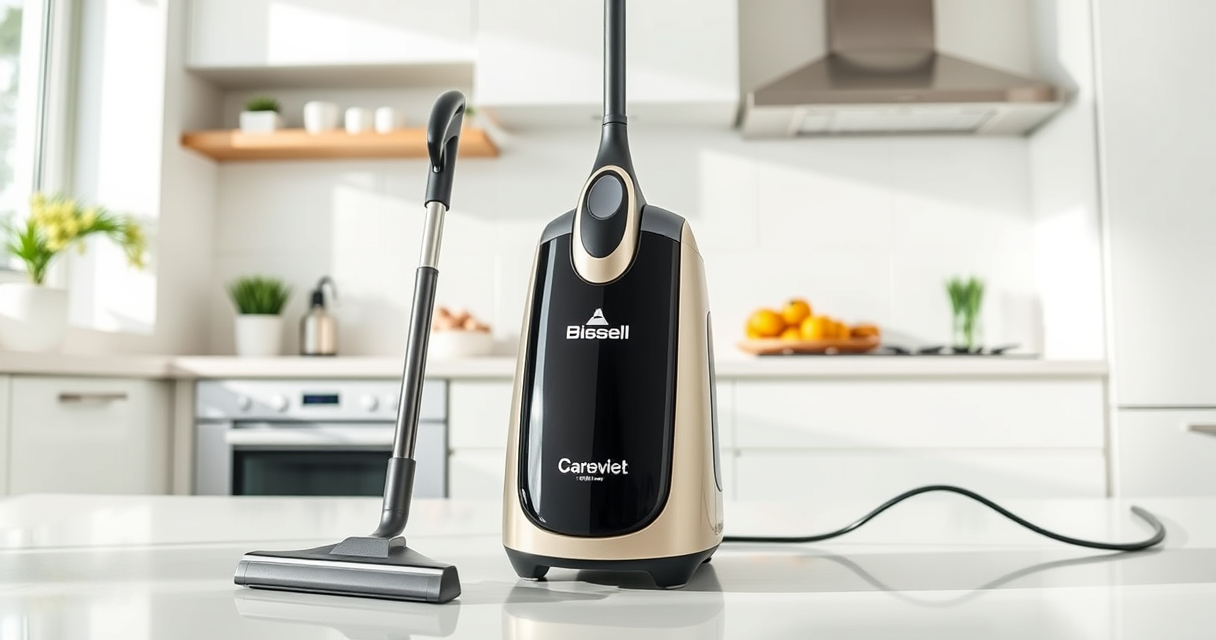

If your Bissell ProHeat 2X Revolution Pet Turbo Upright Carpet Cleaner isn’t pulling up water and dirt as it used to, it can be frustrating. A loss of suction often indicates a clog, a dirty filter, or an issue with the brush roll. Fortunately, with some basic troubleshooting, you can restore its powerful cleaning performance without needing professional repair.

Get home appliances delivered free — and shop member deals
- Fast, free delivery on millions of items
- Access to Prime Big Deal Days deals on October 6–7
- Prime Video, Amazon Music and more included
In this guide, you’ll find clear, step-by-step instructions to identify and fix common suction problems in your Bissell carpet cleaner, ensuring a deep, effective clean once again.
Key Takeaways
| Check for blockages | Clogs in hoses or nozzles are common causes of no suction. |
| Inspect filters | Dirty filters can significantly reduce suction power. |
| Examine the brush roll | A tangled or worn brush roll can impair cleaning performance. |
| Ensure proper assembly | Incorrectly assembled parts may cause suction leaks. |
Step 1: Power Off and Unplug
Before starting any troubleshooting, turn off your Bissell cleaner and unplug it from the power outlet to ensure safety during inspection and cleaning.
Step 2: Check and Clear Clogs
- Inspect the hose for any blockages or debris. Detach the hose carefully and look for obstructions.
- Clear any clogs using a long, flexible brush or a straightened coat hanger.
- Examine the nozzle and spray wand for debris, and clean with warm water if needed.
Step 3: Clean or Replace the Filter
Remove the filter(s) from your cleaner. Rinse foam or washable filters thoroughly with water and let them dry completely before reinstalling. If filters are worn or damaged, replace them with a compatible filter such as the JORAIR Brush Replacement.
Step 4: Inspect and Clean the Brush Roll
- Remove the brush roll from the cleaner according to the user manual.
- Remove hair, threads, and debris tangled in the bristles.
- Check for any damaged or worn bristles and replace the brush roll if necessary.
Step 5: Reassemble and Test
After cleaning all parts, reassemble the cleaner carefully. Plug it in, turn it on, and test the suction. If it still lacks power, revisit the previous steps or consider professional servicing.
The Products in This Guide

BISSELL ProHeat 2X Revolution Pet Turbo Upright Carpet C
- ✔ Weight: 18.4 lbs
- ✔ Water Tank Capacity: 1.25 liters
- ✔ Cord Length: 25 feet

JORAIR Brush Replacement Compatible
- ✔ Count: 3 brush rolls
- ✔ Filter Type: Multi-surface
- ✔ Compatibility: Multiple Bissell CrossWave models
BISSELL ProHeat 2X Revolution Pet Turbo Upright Carpet C
The BISSELL ProHeat 2X Revolution Pet Turbo Upright Carpet Cleaner is designed with TurboStrength Motor Technology, delivering 40% more suction power. Proper maintenance of this model can prevent no-suction issues and keep your carpets looking professional.
Pros:
- Powerful suction with TurboStrength motor
- Effective stain and dirt removal
- Quiet operation with noise reduction
- Multiple cleaning modes for versatility
Cons:
- Can be heavy for extended use
- Requires regular filter cleaning
- Potential nozzle clogs if not maintained
Best for: Homeowners seeking a powerful, reliable carpet cleaner
Not ideal for: For those seeking a lightweight, handheld device
Bottom line: Regular maintenance and cleaning ensure optimal suction from your BISSELL ProHeat 2X Revolution.
JORAIR Brush Replacement Compatible
The JORAIR Brush Replacement Compatible kit offers three multi-surface brush rolls and filters, making it easy to maintain your Bissell cleaner’s suction power and cleaning efficiency.
Pros:
- Easy to install
- Affordable multi-pack
- Compatible with many Bissell models
- Includes filters and cleaning brush
Cons:
- Not compatible with all Bissell series
- Some models may require specific sizes
- Replacement frequency depends on usage
Best for: Maintaining optimal brush and filter performance
Not ideal for: For users needing a full machine upgrade
Bottom line: Keep your Bissell cleaner performing at its best with this cost-effective replacement kit.
Frequently Asked Questions
Why does my Bissell carpet cleaner lose suction?
Common causes include clogs in hoses or nozzles, dirty filters, tangled brush rolls, or improper assembly. Regular maintenance can prevent these issues.
How often should I clean the filters?
Filters should be checked and cleaned after every few uses, or more frequently if you notice reduced suction. Replace filters as needed.
Can I use other cleaning solutions besides Bissell’s?
It’s best to use solutions compatible with your machine, such as the Bissell Multi-Surface Solution, to avoid damage and ensure effective cleaning.
What if cleaning doesn’t restore suction?
If you’ve tried all troubleshooting steps and suction remains weak, consider professional servicing or replacing worn parts like the brush roll or filters.
Keep Your Carpet Cleaner in Peak Condition
Regularly inspecting and maintaining your Bissell ProHeat 2X Revolution Pet Turbo Upright Carpet Cleaner will ensure it continues to deliver powerful suction and pristine carpets. With simple steps like clearing clogs, cleaning filters, and inspecting the brush roll, you can troubleshoot most suction issues effectively and safely. Staying proactive with maintenance extends the lifespan of your machine and keeps your home looking its best.
Affiliate disclosure: As an Amazon Associate we earn from qualifying purchases. Prices and availability are accurate as of the time of publishing.
Fall Picks
fall essentials
As an affiliate, we earn on qualifying purchases.