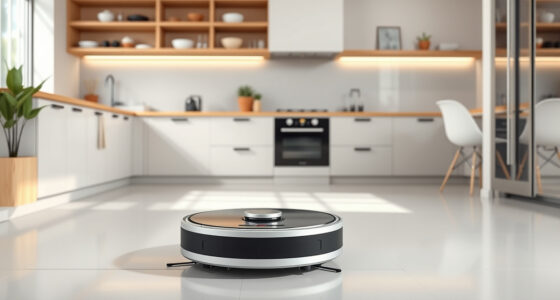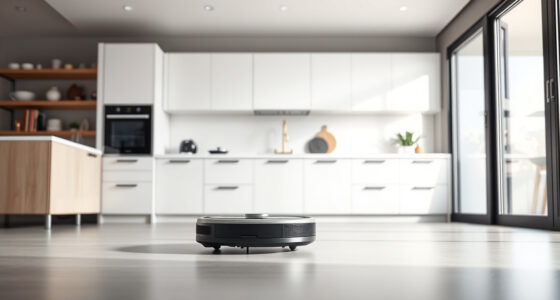
If your Roborock Q7 M5+ robot vacuum is having trouble connecting to WiFi, you’re not alone. Many users experience connectivity issues that can be frustrating, especially when you rely on app control for scheduled cleaning. This guide offers practical, step-by-step solutions to help you restore your device’s WiFi connection safely and effectively.

Get home appliances delivered free with Prime
- Fast, free delivery on millions of items
- Prime Video, Amazon Music and more included
- Member-only deals all year
Before diving into troubleshooting, ensure your WiFi network is functioning correctly and that your smartphone or tablet has a stable internet connection. With these basics checked, follow the steps below to resolve your Roborock’s WiFi issues.
Key Takeaways
| Check your WiFi network | Ensure your WiFi is active, and your device is within range. |
| Restart devices | Reboot your robot vacuum and WiFi router to refresh connections. |
| Update firmware | Keep your Roborock app and device firmware current for optimal performance. |
| Reconfigure WiFi | Re-enter WiFi credentials in the app if necessary. |
| Reset network settings | Reset your robot’s network settings if issues persist. |
Ensure WiFi Network Is Working Properly
- Verify your WiFi network is active and other devices are connected.
- Check if your WiFi has internet access; restart your router if needed.
- Confirm your smartphone or tablet is connected to the same WiFi network.
Restart Your Robot Vacuum and Router
- Power off the Roborock Q7 M5+ by pressing and holding the power button.
- Unplug your WiFi router, wait 30 seconds, then plug it back in.
- Turn your robot back on and wait for it to initialize.
Re-Enter WiFi Credentials in the App
- Open the Roborock app and select your device.
- Navigate to device settings and choose WiFi configuration.
- Follow prompts to reconnect, entering your WiFi password carefully.
Update Firmware and App
- Check for app updates in your app store and install the latest version.
- In the app, go to device settings and verify firmware is up to date; update if necessary.
Reset Network Settings on the Robot
- Locate the reset button or menu option in the app for network reset.
- Follow the instructions to reset network settings.
- Reconfigure WiFi after reset is complete.
The Products in This Guide

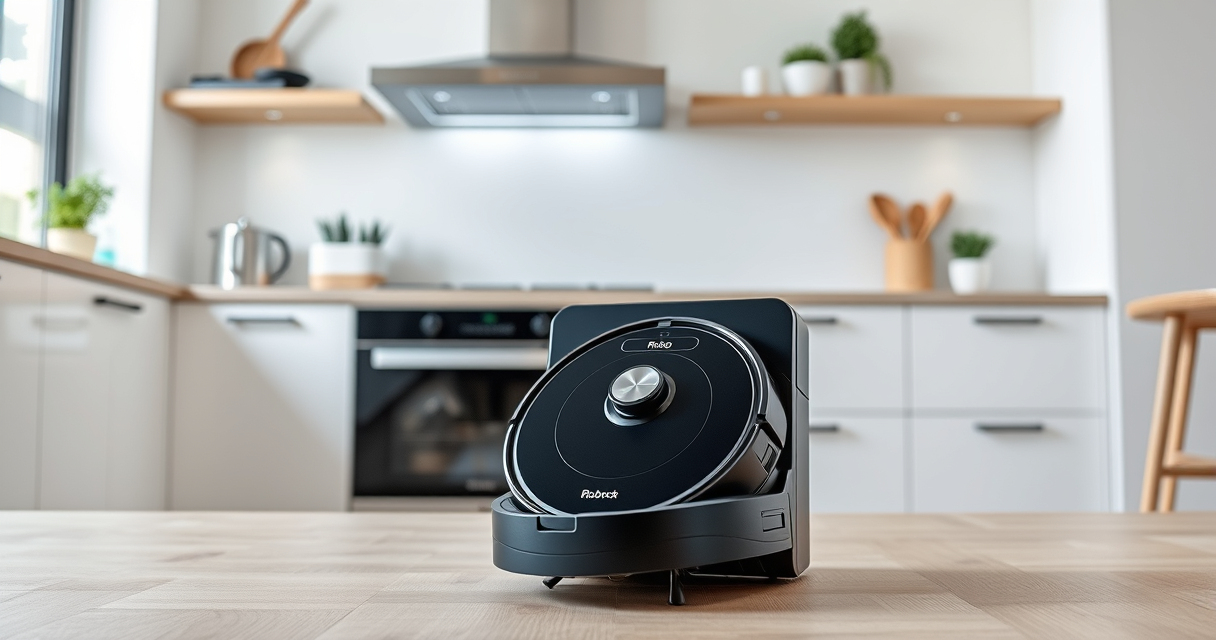
roborock Q7 M5+ Robot Vacuum and Mop
- ✔ Max Suction: 10000Pa
- ✔ Navigation Type: PreciSense LiDAR
- ✔ Battery Duration: 7-9 weeks

4 Pack Washable Filter
- ✔ Fitment: Multiple models
- ✔ Material: HEPA
- ✔ Washable: Yes
roborock Q7 M5+ Robot Vacuum and Mop
The Roborock Q7 M5+ is a powerful robot vacuum and mop that offers up to 7-9 weeks of self-emptying, 10000Pa suction, and advanced navigation. It’s designed for pet hair, carpets, and hard floors, making it a versatile cleaning device.
Pros:
- High suction power
- Long self-emptying cycle
- Advanced LiDAR navigation
- Effective pet hair system
Cons:
- Requires WiFi for app control
- Large dust bag may need frequent emptying
- Setup can be technical for some users
Best for: Pet owners and busy households needing reliable cleaning.
Not ideal for: Users without a stable WiFi connection or those preferring manual operation.
Bottom line: A smart, powerful vacuum ideal for pet-friendly homes seeking long-term cleaning.
4 Pack Washable Filter
This 4-pack washable HEPA filters are compatible with several Roborock models, including the Q7 series. They help maintain excellent air quality and keep your vacuum performing at its best.
Pros:
- Effective filtration
- Washable and reusable
- Easy to install
- Maintains vacuum efficiency
Cons:
- Not OEM, may differ slightly in fit
- Requires regular cleaning
- Replacement every few months
Best for: Users wanting to improve air quality and prolong filter life.
Not ideal for: Those seeking OEM filters or with very specific filtration needs.
Bottom line: A cost-effective way to keep your Roborock’s air clean and filtration efficient.
Frequently Asked Questions
Why won’t my Roborock connect to WiFi after setup?
This can happen if the WiFi network is unstable, the robot is too far from the router, or the app/firmware needs updates. Follow the troubleshooting steps in this guide to resolve common issues.
How do I reset my Roborock’s WiFi connection?
In the app, go to device settings and select ‘Reset Network’ or power off the robot, reset network settings if available, then reconfigure WiFi credentials.
Can I manually connect my Roborock without the app?
Most models rely on the app for WiFi setup and control. Manual connection is generally not supported; resetting and reconfiguring via the app is recommended.
How often should I update the firmware?
Check for firmware updates regularly through the app, especially after connectivity issues or app updates, to ensure optimal performance.
Getting Your Roborock Back Online
WiFi connectivity issues with your Roborock Q7 M5+ can be frustrating, but most problems are resolvable with simple steps like restarting devices, updating firmware, or reconfiguring network settings. Patience and careful attention to the process will help restore your vacuum’s connection quickly.
Once your robot is back online, enjoy the benefits of automated, app-controlled cleaning, and keep your home spotless with minimal effort.
Affiliate disclosure: As an Amazon Associate we earn from qualifying purchases. Prices and availability are accurate as of the time of publishing.
Fall yard work Picks
leaf blowers
As an affiliate, we earn on qualifying purchases.