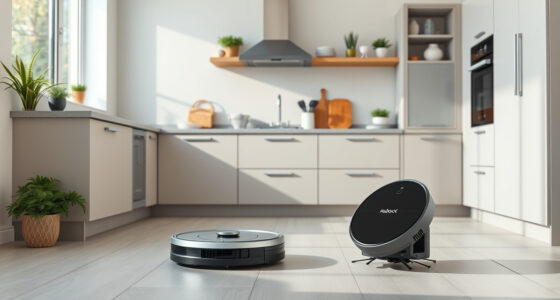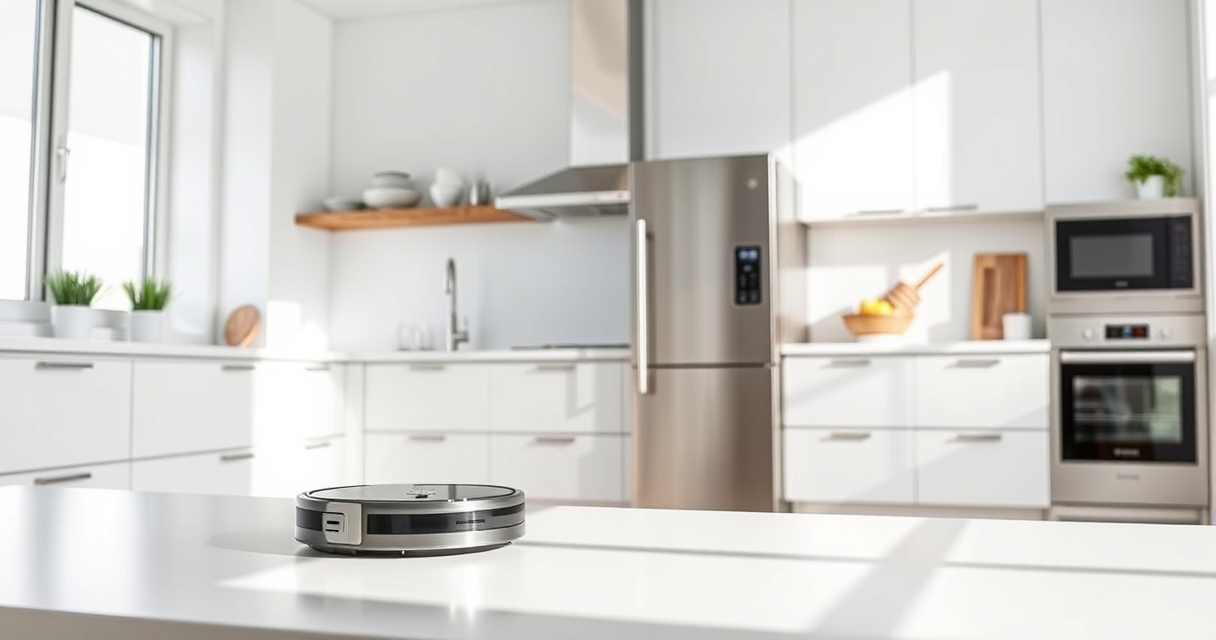
Getting your new Roborock Q7 M5+ ready for action is straightforward, but following the correct setup process ensures optimal performance and longevity. This guide covers everything from unboxing to initial configuration, safety tips, and troubleshooting basics.

Get home appliances delivered free — and shop member deals
- Fast, free delivery on millions of items
- Access to Prime Big Deal Days deals on October 6–7
- Prime Video, Amazon Music and more included
With features like up to 9 weeks of self-emptying, 10000Pa suction, and advanced navigation, your Roborock is designed for hassle-free cleaning. Let’s get it set up properly so you can enjoy a spotless home with minimal effort.
Key Takeaways
| Ease of setup | Follow step-by-step instructions for a smooth start. |
| Proper placement | Ensure charging dock and area are optimal. |
| Initial cleaning prep | Check filters and mop pads before first run. |
| Safety tips | Keep cords and obstacles clear during setup. |
Unboxing and Inspecting Your Roborock Q7 M5+
- Carefully remove the vacuum and accessories from the box.
- Check that all components, including the main unit, charging dock, power cord, and accessories, are present and undamaged.
- Read the user manual for specific safety warnings and setup tips.
Charging the Robot for First Use
- Place the Roborock Q7 M5+ on its designated charging dock in an open area.
- Ensure the dock is plugged into a power outlet and the robot is aligned properly with the charging contacts.
- Allow the robot to fully charge, which may take a few hours. The indicator light will confirm when charging is complete.
Connecting to the App and Initial Settings
- Download the Roborock app compatible with your device.
- Create an account or log in.
- Follow the app prompts to connect your Q7 M5+ to Wi-Fi, ensuring your phone is near the robot and the Wi-Fi signal is stable.
- Configure basic settings: name your robot, set cleaning schedules, and select cleaning modes.
Preparing for Your First Cleaning Cycle
- Empty the dust bag if previously used; the 2.7L sealed bag is designed for long cycles.
- Check and replace filters if necessary—consider the washable filter pack for easy maintenance.
- Attach the mop pad securely if mopping is desired; ensure it is clean and properly fitted.
- Clear obstacles and cords from the cleaning area to prevent entanglement or obstruction.
Starting and Monitoring the Cleaning Process
- Use the app or the robot’s physical button to start a cleaning session.
- Monitor the initial run via the app for coverage and navigation issues.
- Adjust settings as needed based on your environment, such as no-go zones or specific cleaning modes.
The Products in This Guide

roborock Q7 M5+ Robot Vacuum and Mop
- ✔ Max Runtime: Up to 9 weeks
- ✔ Mop Compatibility: Yes
- ✔ App Control: Yes

4 Pack Washable Filter
- ✔ Pack: 4 filters
- ✔ Material: HEPA
- ✔ Compatibility: Multiple Roborock models
roborock Q7 M5+ Robot Vacuum and Mop
The Roborock Q7 M5+ offers powerful suction, up to 9 weeks of self-emptying, and advanced navigation. It’s a reliable choice for busy households seeking efficient cleaning with minimal maintenance.
Pros:
- Long self-emptying cycle
- High 10000Pa suction power
- Effective pet hair removal
- PreciseLiDAR navigation
Cons:
- Heavier unit may be less portable
- Requires Wi-Fi setup
- Mop attachment needs secure fitting
Best for: Pet owners and busy households seeking low-maintenance cleaning.
Not ideal for: Homes with multiple levels or complicated layouts requiring manual mobility.
Bottom line: A high-performance robot vacuum ideal for pet owners and large spaces.
4 Pack Washable Filter
Keep your Roborock operating at peak efficiency with this 4-pack of washable HEPA filters. Easy to install and clean, they help maintain strong suction and air quality.
Pros:
- Cost-effective long-term
- Easy to wash and reuse
- Compatible with multiple models
- Maintains high filtration standards
Cons:
- Filters need regular cleaning
- Not OEM, but high quality
- Replacement every few months recommended
Best for: Users seeking economical, sustainable filter options.
Not ideal for: Those preferring OEM parts or with very specific filtration needs.
Bottom line: A practical, cost-saving solution for maintaining strong filtration.
Frequently Asked Questions
How often should I empty the dust bag?
The 2.7L sealed dust bag is designed for up to 7-9 weeks of use, depending on household debris levels. Check periodically to ensure optimal suction and cleaning efficiency.
Can I use the Roborock on multiple floors?
Yes, but it is best to relocate the charging dock and ensure the robot is programmed for each specific area. The navigation system helps it adapt to different layouts.
How do I attach the mop pad securely?
Align the mop pad with the designated area on the bottom of the robot, then press firmly until it clicks into place. Ensure it is flat and properly fitted before starting mopping.
What should I do if the robot gets entangled?
Turn off the robot and carefully remove any cords, tassels, or obstacles around the wheels and brushes. Regularly check for hair or debris that could cause tangling.
Getting Your Roborock Q7 M5+ Ready for Action
By following these setup steps, you’ll ensure your Roborock Q7 M5+ performs at its best, providing thorough cleaning with minimal fuss. Proper initial setup, regular maintenance, and understanding your device’s features will help you enjoy cleaner floors and a more comfortable home environment.
Affiliate disclosure: As an Amazon Associate we earn from qualifying purchases. Prices and availability are accurate as of the time of publishing.
Halloween Picks
halloween
As an affiliate, we earn on qualifying purchases.