
TL;DR
A single video upload can generate every asset you need—titles, descriptions, clips, social posts—on your own hardware. This approach keeps your media private, cuts costs, and speeds up publishing, all without cloud services.
Imagine finishing a video and having a full publishing kit ready—titles, descriptions, clips, social posts—all without uploading to the cloud. That’s the promise of local video processing. It’s about taking control, saving money, and keeping your content private. If you’re tired of slow cloud workflows and subscription fees, this approach might change everything.
Today, I’ll show you how one video can become a dozen assets—on your own hardware. We’ll explore how this works, why it matters, and what tradeoffs come with it. Ready? Let’s go.
How the workflow turns one video into a publishing army
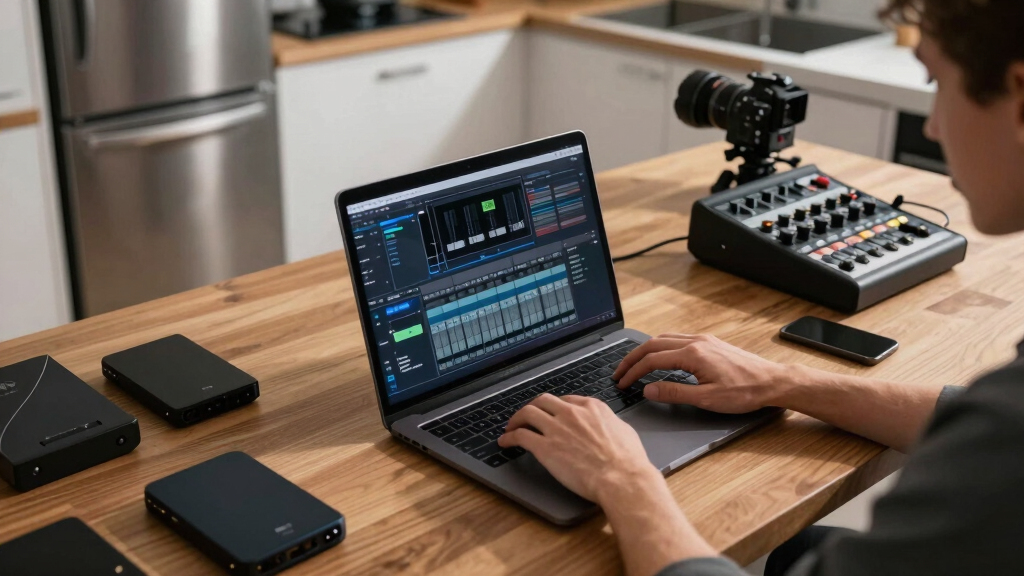
The core idea: process your video on-site, then generate every asset you need. Drop your video into the system. It analyzes audio, visuals, and meaning—without sending a thing to the cloud. Then it drafts titles, descriptions, clips, and social posts. You review, tweak, approve, and publish—all on your own machine.
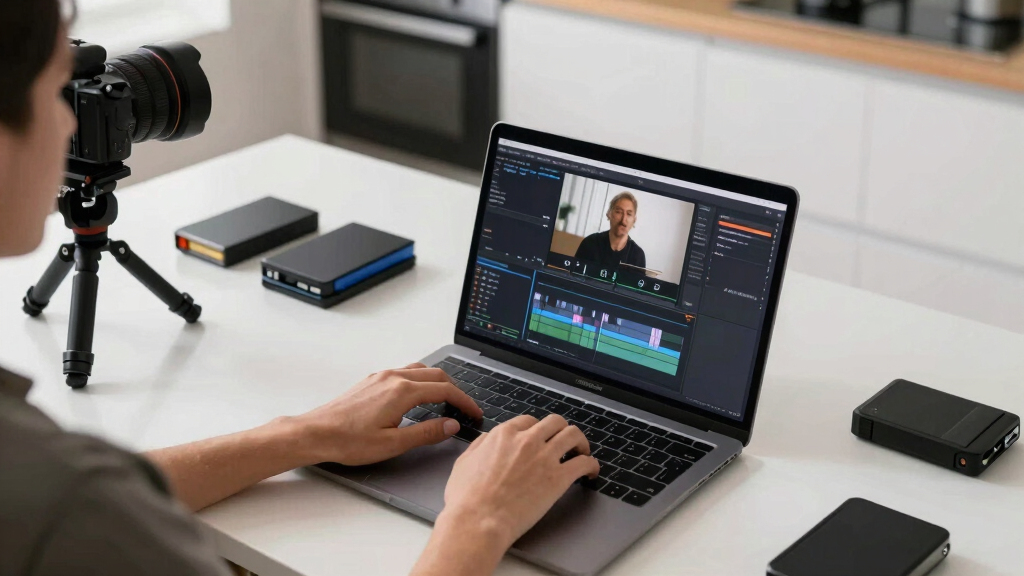
For example, upload a 10-minute explainer. The system identifies the key moments, suggests social clips, writes a catchy title, and even drafts a blog post. You review the drafts in a dashboard, make quick edits, and hit publish. All that from one input—no waiting for cloud processing, no recurring fees.
As an affiliate, we earn on qualifying purchases.
Why creators and operators prefer local processing over the cloud
Local processing keeps your content private and secure. No one else sees your raw footage. For more on private media workflows, see this guide on publishing without the cloud. Plus, it’s faster—no upload bottlenecks or cloud delays. You control your data and avoid monthly subscription fees. Imagine a security system that analyzes footage on-site, giving you instant alerts without relying on third-party servers.
For instance, a security team using a local AI-powered NVR instantly detects motion or unusual activity, saving hours of waiting and avoiding potential data leaks. That’s the power of keeping everything on-device.
How does local hardware stack up against cloud services?
| Feature | Cloud-Based Workflow | Local Processing (e.g., UniFi AI Key) |
|---|---|---|
| Cost | Monthly fees, data transfer costs | One-time hardware purchase, no recurring fees |
| Privacy | Data stored off-site, potential leaks | All data stays on your local network |
| Speed | Dependent on internet speed | Instant processing, real-time analysis |
| Scalability | Cloud scales easily, but costs grow | Limited by hardware capacity, but predictable |
What hardware do you need for local video publishing?
To turn one video into a full publishing kit on your own hardware, you need a dedicated device like the UniFi AI Key or NVR Instant. For example, the UniFi AI Key supports up to 1,000 detections per hour, works seamlessly with G4 and G5 cameras, and keeps everything on-site.
Another option: the NVR Instant, priced at just $199, offers a single drive bay, built-in PoE for cameras, and supports processing multiple streams without cloud reliance.
These devices handle detection, tagging, and metadata generation, making your entire workflow faster and more private.
Limits and bottlenecks — what you should watch out for
Local processing isn’t magic. It’s limited by hardware specs. If you produce tons of content daily, your device might struggle with high detection counts or multiple streams. For instance, the UniFi AI Key supports about 1,000 detections per hour—great for small to medium workloads but not for massive video farms.
Storage is another consideration. You’ll need enough space for raw footage, processed data, and generated assets. Planning your storage is crucial—think of it as budgeting your bandwidth for a road trip.
Understanding these limitations helps you make smarter decisions about scaling your setup. You might also find this article on local publishing solutions helpful. If your content volume grows, you might need to upgrade hardware or distribute processing across multiple devices. Recognizing these tradeoffs ensures you avoid bottlenecks that could delay your workflow or inflate costs unexpectedly.
Additionally, consider the energy consumption and maintenance requirements of your hardware. Higher-capacity devices may need more cooling or power, which can impact your operational costs. Balancing performance with efficiency is key to building a sustainable local processing setup.

Use cases: security, content, and AI tagging
Local video processing shines in several scenarios. Security cameras benefit from instant alerts and private storage. Content creators get a quick way to generate clips, social posts, and metadata. AI tagging helps organize large archives—making videos searchable and monetizable.
Imagine a small business installing cameras that detect customer interactions, then automatically generate a highlight reel for social media—all done on-site, instantly. This not only accelerates content creation but also reduces reliance on external cloud services, which can introduce latency and privacy concerns. For security, the ability to process footage locally means faster response times and minimized data exposure, critical for sensitive environments.
Practical tips for setting up your local publishing kit
- Choose the right hardware: pick a device with enough detection capacity and storage. The UniFi AI Key or NVR Instant are solid options.
- Connect your cameras and ensure network stability—wired PoE is best for consistent performance.
- Install the processing software and set your detection zones, metadata parameters, and output formats.
- Test with a sample video. Review generated assets and tweak settings for accuracy. For more tips, visit this resource on DIY setups.
- Build your workflow around review and approval—don’t just automate blindly.
Key takeaways to remember
- Local processing enables full control over your media, with no cloud dependency.
- Hardware like UniFi AI Key can handle thousands of detections per hour on-site.
- It’s faster, more private, and often cheaper in the long run than cloud services.
- Plan storage carefully; hardware limits matter for bigger workflows.
- This setup is perfect for security, searchable archives, and AI-driven content creation. Learn more about AI tagging at this site on AI tagging and content management.
Frequently Asked Questions
What does “without the cloud” actually mean?
It means all processing, analysis, and asset creation happen on your local hardware—no data leaves your network. You retain full control over your videos, ensuring privacy and security.
Is all processing truly local, or is anything still sent off-device?
In this setup, all core processing—detection, metadata, asset generation—happens on your hardware. Some tools may still require occasional cloud updates or license checks, but the media itself stays local.
What hardware do I need to make this work?
A dedicated device like the UniFi AI Key or NVR Instant is ideal. They support high detection counts, store everything locally, and integrate with cameras seamlessly. Your choice depends on your volume and budget.
Which cameras or video formats are supported?
The UniFi AI Key supports G4, G5, and AI series cameras, plus some G3 models with AI ports. Most common formats like MP4 and MOV work fine—just check your camera’s compatibility for best results.
How many detections or streams can one device handle?
In practice, about 1,000 detections per hour is typical for devices like the UniFi AI Key. For multiple streams or higher volume, consider scaling up or adding more hardware.
Conclusion
Thinking of going local? If privacy, speed, and control top your list, setting up your own publishing kit from a single video is entirely doable—and powerful. It’s about making your media work for you, not the other way around.
Imagine a world where every video becomes an on-site publishing army—fast, private, and entirely in your hands. That’s not just a dream; it’s a real, accessible option today.