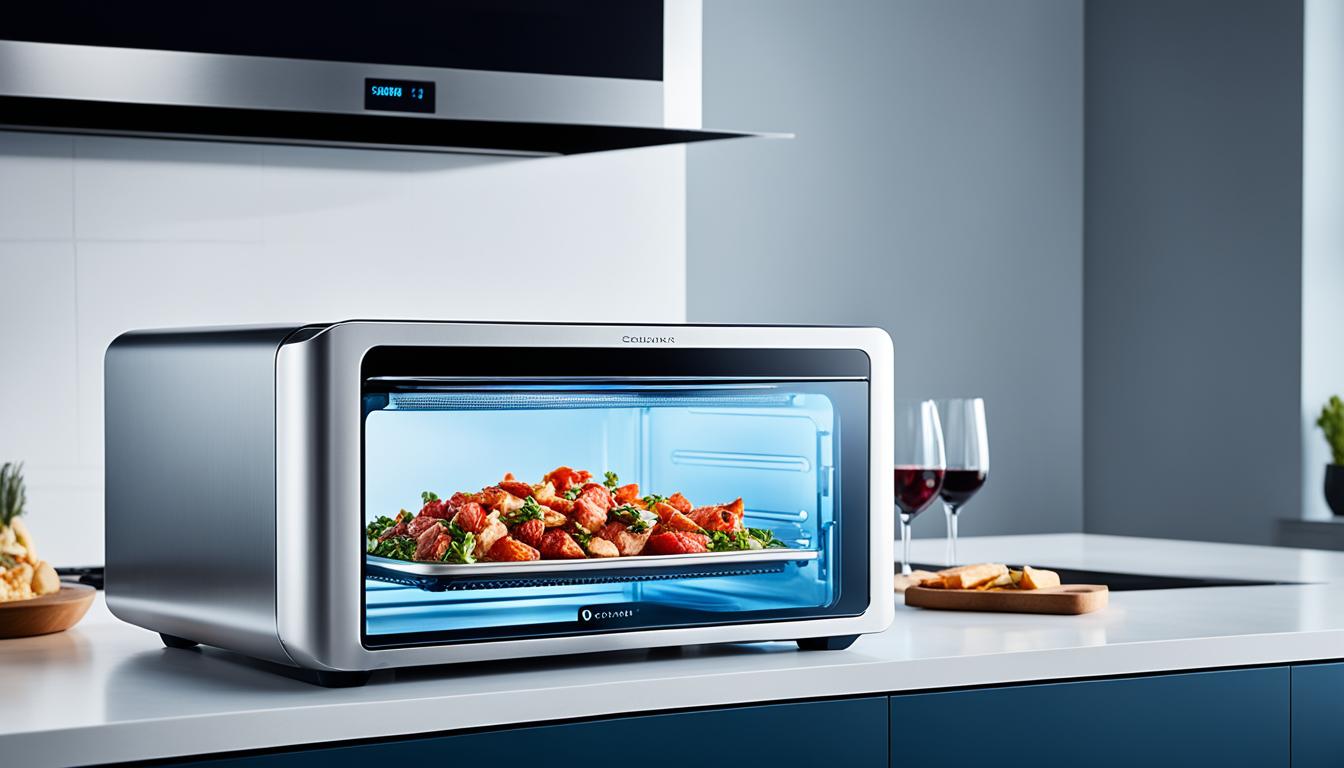
To establish scenes that automate your cooking appliances, start by choosing a compatible smart platform or hub. Then, customize the scene with triggers like time or device status, and select actions such as preheating or turning off appliances. Use an intuitive interface to connect devices, set parameters, and create routines tailored to your cooking habits. Keep devices updated and check compatibility to guarantee everything runs smoothly—continue exploring to improve your automation setup further.
Key Takeaways
- Verify that all cooking appliances are compatible with your smart hub or platform before setup.
- Use an intuitive scene creation platform to select devices and define automation triggers and actions.
- Customize scenes to include specific tasks like preheating ovens or adjusting lighting for cooking routines.
- Regularly update device firmware to ensure reliable automation and access to new features.
- Test scenes periodically and consult online resources to troubleshoot and optimize your automation setup.
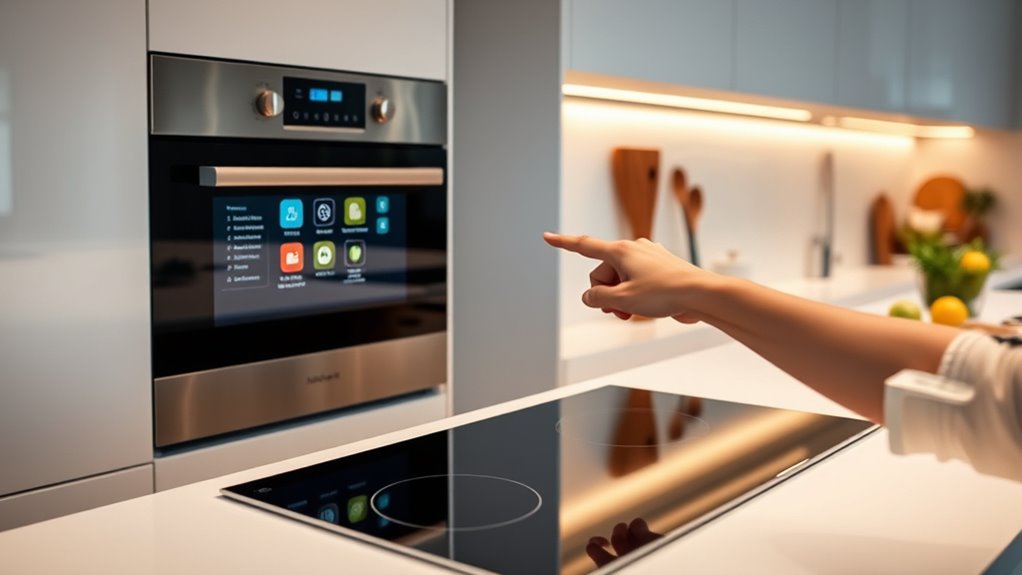
Automation has made cooking more convenient than ever, and setting up scenes is a key part of that process. When you create a scene, you’re fundamentally programming your smart appliances to work together seamlessly, so you can enjoy a smooth, hands-free cooking experience. To do this effectively, you need to factor in smart device compatibility—making sure all your appliances can communicate through your chosen smart hub or platform. Not all devices work with every system, so checking compatibility beforehand ensures your scenes function without a hitch. Once you’ve confirmed compatibility, you can explore scene customization options that allow you to tailor your automation to fit your cooking style and schedule.
Scene customization options give you the flexibility to set specific triggers, actions, and conditions. For example, you might schedule your oven to preheat automatically when you start preparing ingredients, or have your smart fridge alert you when you’re running low on a key ingredient. You can also customize scenes to activate multiple devices simultaneously, like turning on your sous-vide cooker, adjusting your smart lighting, and playing your favorite cooking playlist—all with a single command or at a scheduled time. This level of personalization enhances your cooking routine, making it more efficient and enjoyable.
Creating these scenes is usually straightforward: most smart platforms offer user-friendly interfaces where you can drag and drop actions, select devices, and set parameters. You might set a scene called “Dinner Prep,” which, when activated, sets your smart oven to a specific temperature, turns on your range hood, and dims the kitchen lights. These options provide a lot of control, so you can refine each scene to match your preferences. Keep in mind that some devices may have limited scene options or require specific firmware updates to fully support automation features. Regularly updating your devices ensures you can take advantage of the latest scene customization options and compatibility improvements. Additionally, understanding smart device compatibility can help you avoid issues and create more effective automation setups.
Frequently Asked Questions
Can I Override a Scene Manually Once It’s Activated?
Yes, you can manually override a scene once it’s activated. Many smart home systems allow you to perform a manual override, giving you scene customization on the fly. Simply access the device controls or app, and adjust the settings as needed. This flexibility lets you tailor your automation to your current needs, ensuring your cooking appliances and other devices operate exactly how you want, even after a scene has been triggered.
How Do I Troubleshoot Scenes That Don’T Trigger Correctly?
To troubleshoot scenes that don’t trigger correctly, start by checking for scene conflicts, ensuring no other scenes or automations interfere. Verify device compatibility, as some devices might not support certain commands or triggers. Also, review your scene settings for accuracy, and test each device individually to confirm they’re responsive. If issues persist, update your hub firmware and app, and consult logs for errors to pinpoint the problem.
Is It Possible to Set Timers Within a Scene?
Yes, you can set timers within a scene for timing flexibility and scene customization. Many smart home apps allow you to add delay actions or timers, so your appliances activate after a specific period. This lets you customize your scene precisely, such as turning on your oven after a set delay. Just check your app’s options for scheduling or delay features, and you can easily incorporate timers into your scenes for seamless automation.
Can I Automate Scenes Based on Voice Commands?
Yes, you can automate scenes based on voice commands. By customizing your voice command options, you can create specific scene activation triggers that respond to your spoken instructions. This allows you to control your smart appliances effortlessly, just by speaking. Make sure your voice assistant is properly linked to your automation system, and then set up your preferred commands for quick scene activation whenever you need it.
How Secure Are My Automation Scenes From Unauthorized Access?
Your automation scenes are generally secure if you implement strong access control measures. Use strong, unique passwords and enable two-factor authentication when available to prevent security concerns. Regularly update your device firmware and software to patch vulnerabilities. Avoid sharing access unnecessarily, and review permissions often. By taking these steps, you minimize the risk of unauthorized access and keep your scenes safe from security concerns.
Conclusion
By setting up scenes to automate your cooking appliances, you gain convenience and control without sacrificing flavor. Some might think it’s complicated or limits creativity, but imagine coming home to a perfectly cooked meal, all thanks to simple scene setups. With just a few taps, your appliances work seamlessly, saving you time and effort. Embrace automation, and enjoy more moments to relax and savor your delicious creations without the stress of manual cooking.