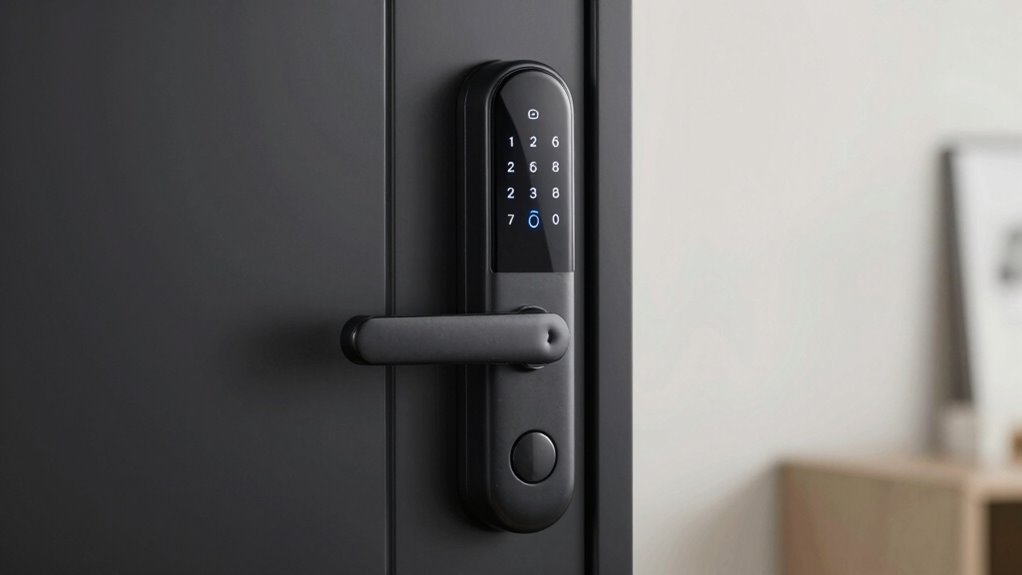
As a renter, you can easily install a smart lock without damaging your door or hardware. Look for damage-free options that attach over existing locks or secure to interior components, requiring minimal tools. These solutions prevent drilling or hardware changes, keeping your security deposit safe. With features like keyless entry and remote control, you gain convenience without risking damage. Want to discover the simple tricks that make this possible? Keep exploring to learn more!
Key Takeaways
- Most smart locks attach over existing hardware, avoiding drilling or hardware removal to prevent property damage.
- They require minimal tools for installation, making setup quick and renter-friendly.
- Many models are designed to be damage-free, preserving the door’s exterior appearance.
- Smart locks can replace or attach over non-visible interior components, avoiding visible modifications.
- Their reversible and non-invasive installation allows renters to enhance security without risking security deposits.
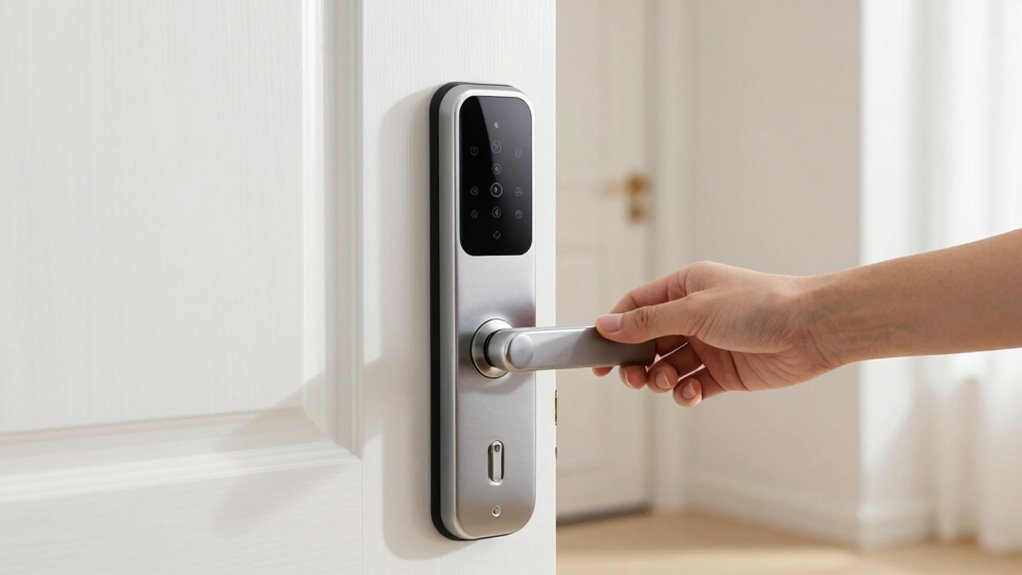
One of the biggest advantages of smart locks is addressing security concerns without risking damage to the property. Traditional lock changes often involve drilling or replacing hardware, which can lead to damage that might cost you your security deposit. Smart locks, on the other hand, typically attach over your existing lock or latch with minimal tools, or they replace the interior components that don’t affect the door’s exterior appearance. This means you get enhanced security features—such as temporary access codes or activity logs—without causing any harm to the rental property.
The keyless convenience of smart locks also means that you can grant access remotely. If a friend or delivery person needs to drop something off, you can generate a temporary code or *disarm* the lock digitally, then revoke access once they leave. This flexibility not only enhances security but also reduces the need for multiple physical keys, which can be lost or duplicated without your knowledge. Additionally, because you control access via your smartphone, you can monitor who enters and when, giving you greater peace of mind in a rental situation.
Another benefit is that smart locks often come with features like auto-locking and alerts if someone tries to tamper with the lock. These security concerns are addressed proactively, providing real-time updates and control. You don’t have to worry about forgetting to lock the door or about unauthorized entries. This is especially valuable if you’re frequently away or sharing the space with roommates or tenants, as it helps you stay connected to your home’s security at all times. Understanding the importance of secure, damage-free installation can help renters make informed choices and avoid potential issues with landlords.
Frequently Asked Questions
Do Smart Locks Work With All Types of Door Materials?
Smart locks generally work with most door materials, but door compatibility can vary. You need to check the lock’s specifications to make certain proper lock installation. Wooden, metal, and composite doors usually pose no problem, but glass or highly textured surfaces might require special mounting options. Always verify the lock’s compatibility with your door type before installing to avoid damage and make sure secure, easy lock installation.
Can Smart Locks Be Integrated With Existing Home Automation Systems?
You might wonder if smart locks can seamlessly integrate with your existing home automation systems. The truth is, most modern smart locks offer excellent integration compatibility, allowing you to control them via popular platforms like Alexa, Google Home, or Apple HomeKit. Before buying, check the product’s automation integration features to guarantee it works with your setup. This way, you get a smooth, cohesive smart home experience without compatibility issues.
What Is the Average Battery Life of Renter-Friendly Smart Locks?
You’ll find that renter-friendly smart locks typically offer a battery longevity of around 6 to 12 months, depending on usage and power management. To maximize battery life, you should enable power-saving features and monitor the lock’s status regularly. Using low-power modes and replacing batteries proactively keeps your smart lock functioning smoothly without frequent interruptions, making it a reliable security solution that’s easy to maintain during your rental stay.
Are There Any Legal Restrictions on Installing Smart Locks in Rental Properties?
You’ll want to check lease restrictions and get landlord permissions before installing smart locks. Legally, some rental agreements prohibit modifications or require approval for security system changes. While smart locks are generally renter-friendly, bypassing lease clauses without permission could cause complications. Always communicate clearly with your landlord, ensuring you follow local laws and your lease terms, so your smart security stays smooth, simple, and stress-free.
How Do Smart Locks Handle Power Outages or Wi-Fi Disruptions?
Smart locks handle power outages and Wi-Fi disruptions by including a power backup, like a battery, guaranteeing you can still open your door. They also rely on connectivity reliability; some models offer Bluetooth or Z-Wave as alternatives to Wi-Fi, providing seamless access during outages. Always check your lock’s features to confirm it has a dependable power backup and multiple connectivity options, so your access remains secure and uninterrupted.
Conclusion
Installing a smart lock without damaging your rental is like walking a tightrope—you need balance, finesse, and the right tricks. By choosing removable options and following easy installation steps, you can upgrade your security without leaving a mark. Remember, the goal is to protect your space without risking your deposit. With these tips, you can enjoy the convenience of smart locks just as smoothly as gliding across a tightrope—confident and damage-free.