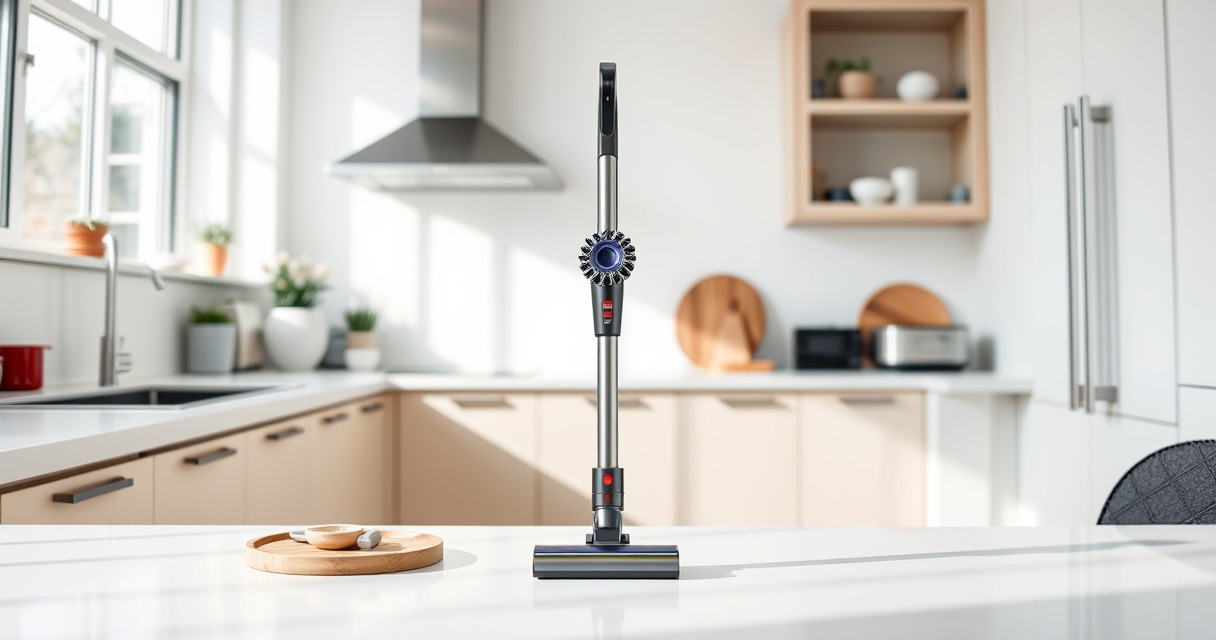
If your Dyson V15 Detect™ Origin Cordless Vacuum is pulsing on and off during use, it can be frustrating and reduce cleaning efficiency. This issue is often caused by blockages, dirty filters, or power system glitches. In this guide, you’ll find clear, safe steps to diagnose and fix the problem, restoring your vacuum’s optimal performance.

Get home appliances delivered free with Prime
- Fast, free delivery on millions of items
- Prime Video, Amazon Music and more included
- Member-only deals all year
Before starting, ensure your vacuum is turned off and unplugged if applicable. Always handle parts carefully to avoid damage or injury.
Key Takeaways
| Check for blockages | Clear clogs in the wand and cleaner head. |
| Inspect and clean filters | Dirty filters can cause power fluctuations. |
| Examine the battery and connections | Loose or faulty connections may lead to pulsing. |
| Reset the vacuum | Resetting can resolve minor electronic glitches. |
| Replace worn filters | Fresh filters improve airflow and performance. |
Step 1: Power Off and Unplug
Ensure the vacuum is turned off and unplugged from any charging station or outlet. Safety first—never work on a powered device.
Step 2: Check for Blockages
- Detach the cleaner head and wand from the main body.
- Inspect the wand, cleaner head, and hose for any visible debris or obstructions.
- Remove any debris carefully to ensure free airflow.
Step 3: Clean or Replace Filters
- Remove the pre-filters and main filters following the manufacturer’s instructions.
- Wash reusable filters under cold water and let them air dry completely before reinstalling.
- If filters are worn or damaged, replace them with compatible replacements like the 3Pack Pre Filters or V10 filters.
Step 4: Check Battery and Connections
Ensure the battery is seated properly and there are no loose connections. If your vacuum has a removable battery, try reseating or replacing it if issues persist.
Step 5: Reset the Vacuum
- Press and hold the power button for 10-15 seconds to reset the electronics.
- Reassemble the vacuum and test if pulsing continues.
Tips & Warnings
- Always use genuine filters and accessories for optimal performance.
- Do not attempt to disassemble electronic components yourself—seek professional help if needed.
- Regular maintenance, including filter cleaning and checking for blockages, prolongs your vacuum’s lifespan.
The Products in This Guide

Dyson V15 Detect™ Origin Cordless Vacuum
- ✔ Battery Life: Up to 60 mins
- ✔ Filter Type: Washable pre and main filters
- ✔ Weight: Less than 7 lbs

LANMU Crevice Tool Vacuum Attachments Compatible
- ✔ Compatibility: Multiple Dyson models
- ✔ Flexibility: Yes
- ✔ Material: Polymer
Dyson V15 Detect™ Origin Cordless Vacuum
The Dyson V15 Detect™ Origin Cordless Vacuum offers powerful suction and intelligent features that make troubleshooting pulsing issues manageable. Its advanced design helps reveal hidden dust and adapt power based on debris, making it a reliable choice after repairs.
Pros:
- Powerful suction
- Intelligent debris detection
- Long 60-minute runtime
- LCD display for diagnostics
Cons:
- High price point
- Requires regular filter maintenance
- Complex for some users
Best for: Deep cleaning and tech-savvy users needing detailed diagnostics
Not ideal for: Users seeking a budget-friendly model or minimal maintenance
Bottom line: A versatile, high-performance vacuum ideal for thorough cleaning and troubleshooting.
LANMU Crevice Tool Vacuum Attachments Compatible
The LANMU Crevice Tool Vacuum Attachments are compatible with Dyson V15 models and help access tight spaces, making it easier to clear blockages and debris that could cause pulsing.
Pros:
- Narrow nozzle for tight spots
- Flexible and durable
- Easy to attach
- Versatile for home and car use
Cons:
- May require additional adapters for some models
- Not suitable for V6 or canister models
Best for: Cleaning corners, edges, and hard-to-reach spots
Not ideal for: General cleaning tasks where wider attachments are preferred
Bottom line: A practical tool for hard-to-reach cleaning and troubleshooting blockages.
Frequently Asked Questions
Why does my Dyson vacuum pulse on and off?
This usually occurs due to blockages, dirty filters, or electrical issues. Following the troubleshooting steps can help identify and fix the problem.
How often should I clean or replace filters?
It’s recommended to clean washable filters every 1-3 months, and replace non-washable filters every 6-12 months depending on usage.
Can I reset the vacuum to fix pulsing issues?
Yes, resetting the vacuum by holding the power button for 10-15 seconds can resolve minor electronic glitches causing pulsing.
What if cleaning and resetting don’t solve the problem?
If issues persist, contact Dyson customer support or seek professional repair services to check for internal hardware faults.
Restore Your Dyson’s Power with These Troubleshooting Tips
By following these steps—checking for blockages, cleaning filters, inspecting connections, and resetting—you can often resolve the pulsing issue yourself safely. Regular maintenance prolongs your vacuum’s lifespan and maintains optimal performance. If problems persist, professional help is recommended to avoid further damage.
Affiliate disclosure: As an Amazon Associate we earn from qualifying purchases. Prices and availability are accurate as of the time of publishing.
Cold & flu season Picks
humidifiers
As an affiliate, we earn on qualifying purchases.