If your Roborock Q7 M5+ robot vacuum keeps getting stuck during cleaning, it can be frustrating and hinder your home’s cleanliness. Fortunately, many common issues can be resolved with some simple troubleshooting steps. This guide will walk you through effective, safe methods to identify and fix the problem, ensuring your vacuum operates smoothly again.

Get home appliances delivered free with Prime
- Fast, free delivery on millions of items
- Prime Video, Amazon Music and more included
- Member-only deals all year
Before starting, make sure your vacuum is fully charged and you have access to the app for any necessary settings adjustments. Always follow safety precautions when handling electronic devices.
Key Takeaways
| Identify obstacles | Clear objects and cords from the vacuum’s path for smoother navigation. |
| Check brushes and wheels | Inspect for tangled hair or debris that could cause it to get stuck. |
| Update firmware | Ensure the vacuum’s software is up-to-date for optimal navigation. |
| Adjust cleaning areas | Use the app to restrict or customize cleaning zones if needed. |
| Perform maintenance | Regularly clean filters, brushes, and sensors for best performance. |
Step 1: Clear the Path
- Remove any visible objects, cords, or small items from the floor that might obstruct the vacuum’s movement.
- Pay special attention to tight spaces, under furniture, and along walls.
Step 2: Inspect and Clean the Wheels and Brushes
- Turn off the vacuum and flip it over.
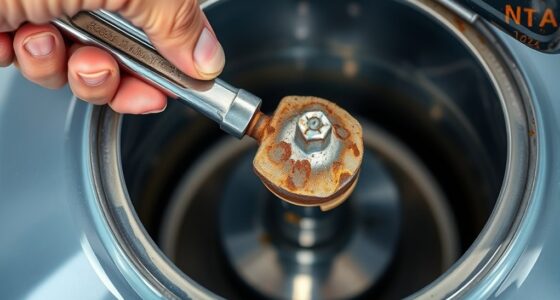
- Check the wheels for hair, string, or debris tangled around them.
- Remove any obstructions carefully, and clean the brushes with a brush or cloth.
Step 3: Check for Firmware Updates
Open the Roborock app connected to your vacuum and verify if there are any firmware updates available. Updating the software can fix bugs related to navigation and obstacle detection.
Step 4: Adjust Navigation Settings
Within the app, use the zone or no-go zone features to restrict the robot from attempting to navigate tricky areas that cause it to get stuck. You can also recalibrate the navigation system if needed.
Step 5: Perform Routine Maintenance
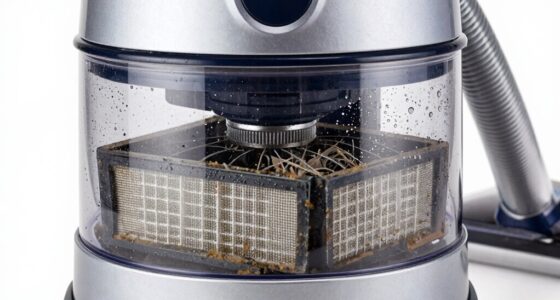
- Wash or replace filters regularly, such as the washable filter ASIN B0DK99HTQ7, to ensure optimal suction and sensor function.
- Clean the main brush and sensors to prevent false obstacle detection.
The Products in This Guide

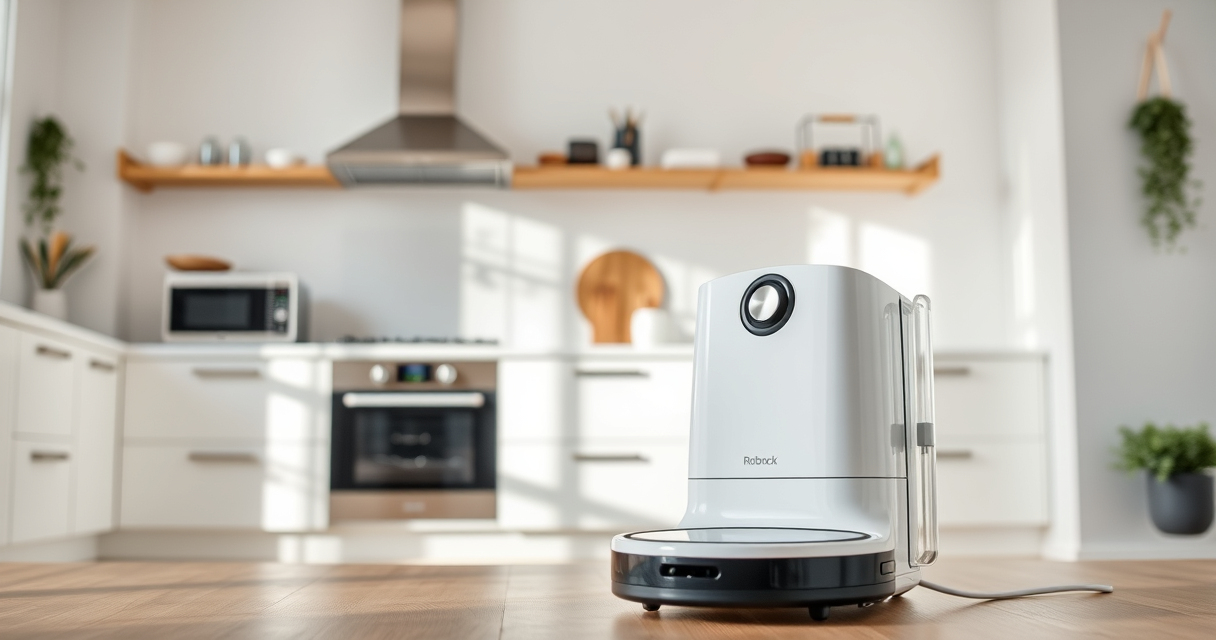
roborock Q7 M5+ Robot Vacuum and Mop
- ✔ Self-Emptying: Yes
- ✔ Battery Life: Up to 9 weeks
- ✔ Weight: Not specified

4 Pack Washable Filter
- ✔ Size: Compatible with several models
- ✔ Material: HEPA
- ✔ Washable: Yes
roborock Q7 M5+ Robot Vacuum and Mop
The Roborock Q7 M5+ is a powerful, upgraded robot vacuum with a self-emptying dock, 10000Pa suction, and advanced navigation. Its dual anti-tangle system makes it especially pet-friendly and reliable for thorough cleaning.
Pros:
- Strong suction power
- Long self-emptying cycle
- Effective anti-tangle design
- App-controlled scheduling
Cons:
- Higher price point
- Requires regular maintenance
- Complex setup for new users
Best for: Pet owners and busy households needing consistent cleaning.
Not ideal for: Users seeking a budget-friendly or simple vacuum.
Bottom line: A high-performance vacuum ideal for pet households with advanced features.
4 Pack Washable Filter
This 4-pack washable HEPA filters for Roborock models ensure your vacuum maintains strong suction and filters out fine dust effectively. Easy to replace and clean, they help prolong your vacuum’s lifespan.
Pros:
- Effective filtration
- Washable and reusable
- Compatible with multiple models
- Easy to install
Cons:
- Needs regular cleaning
- Not OEM but performs well
- Replacement every few months
Best for: Maintaining optimal filtration and air quality.
Not ideal for: Use if you prefer OEM parts exclusively.
Bottom line: A cost-effective way to keep your vacuum’s filtration system in top shape.
Frequently Asked Questions
Why does my Roborock get stuck on certain spots?
It could be due to obstacles, tangled brushes, or outdated firmware. Clearing the area and updating the software often helps.
How often should I clean the brushes?
Inspect and clean the brushes weekly if you have pets or high debris levels to prevent tangling and maintain suction.
Can I restrict the robot from entering specific areas?
Yes, use the app to set no-go zones or boundaries to prevent it from attempting to navigate problematic spots.
What maintenance is recommended for optimal performance?
Regularly clean filters, brushes, sensors, and wheels. Replace filters every 3-6 months for best results.
Keep Your Roborock Running Smoothly
With regular cleaning, obstacle management, and software updates, you can significantly reduce the chances of your Roborock getting stuck. Following these troubleshooting steps will ensure your vacuum remains efficient and reliable, keeping your home spotless with minimal hassle.
Affiliate disclosure: As an Amazon Associate we earn from qualifying purchases. Prices and availability are accurate as of the time of publishing.
Fall yard work Picks
leaf blowers
As an affiliate, we earn on qualifying purchases.