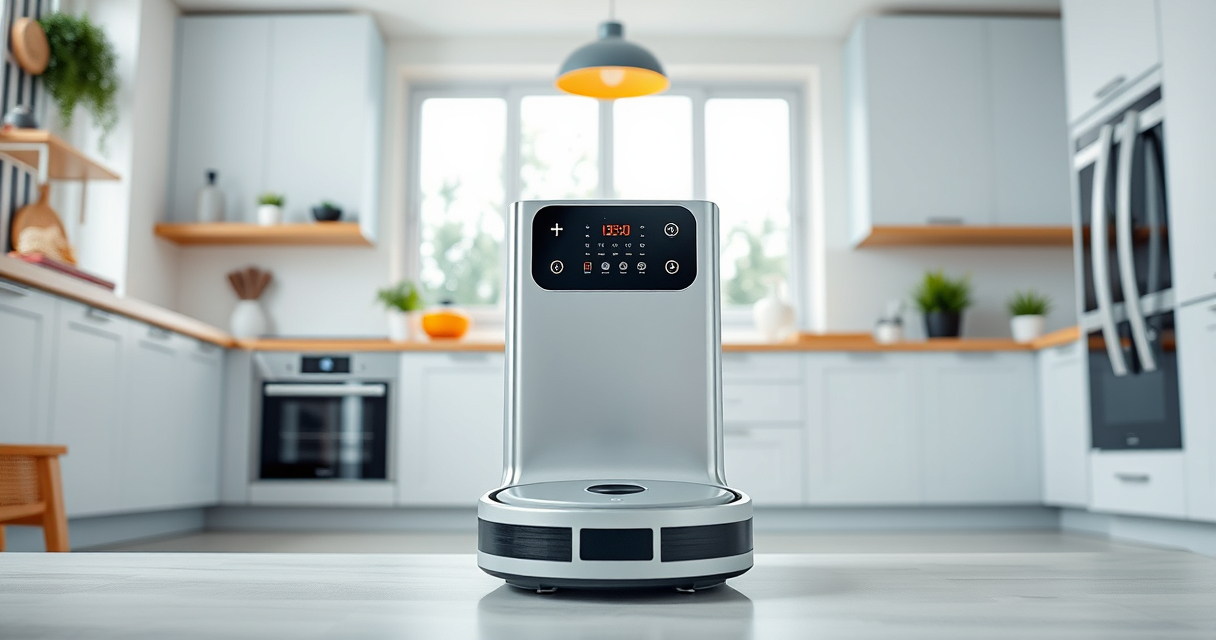

If your Roborock Q10 S5+ robot vacuum isn’t mopping as it should, it can be frustrating, especially given its advanced features like Sonic Mopping and Auto Mop Lifting. Proper maintenance, troubleshooting, and understanding common issues can restore its performance and ensure your floors stay spotless.

Get home appliances delivered free with Prime
- Fast, free delivery on millions of items
- Prime Video, Amazon Music and more included
- Member-only deals all year
In this guide, we’ll walk through practical steps to diagnose and fix problems with your Roborock’s mopping function. Whether it’s a cleaning issue or a mechanical glitch, these tips will help you get your robot back to optimal performance safely.
Key Takeaways
| Check the mop pads and water tank | Ensure the mop pads are clean, correctly installed, and the water tank is filled and functioning. |
| Inspect the cleaning path and sensors | Remove obstructions and clean sensors for accurate navigation and mopping. |
| Update firmware and restart | Keep your device updated and perform a restart to resolve software glitches. |
| Examine the mopping system components | Check for damage or clogs in the VibraRise 2.0 system and related parts. |
Step 1: Check the Mop Pads and Water Tank
- Remove the mop pads and inspect for dirt, hair, or debris. Wash or replace if dirty or worn out.
- Ensure the mop pads are correctly aligned and securely attached to avoid slipping or incomplete contact with the floor.
- Open the water tank, fill it with clean water up to the indicated level, and reattach firmly.
Step 2: Clean Sensors and Pathway
- Turn off the robot and gently wipe the sensors with a soft, dry cloth to remove dust or smudges that hinder navigation.
- Clear any debris from the wheel and side brushes, especially around the obstacle avoidance sensors.
- Check the floor surface for anything that might block the mopping path, like cords or thick rugs.
Step 3: Update Firmware and Restart
- Open the Roborock app and check for firmware updates. Install any available updates to improve functionality.
- Perform a soft reset by turning off the device, waiting 10 seconds, then turning it back on.
- Re-run the cleaning cycle to test if the mopping issue persists.
Step 4: Inspect Mechanical Components
- Check the VibraRise 2.0 mopping system for any visible damage or obstructions.
- Ensure the auto mop lifting mechanism moves freely and isn’t stuck or clogged.
- If issues persist, consider replacing worn or damaged parts with compatible accessories, like mop pads or filters.
Step 5: Additional Tips and Warnings
- Always use genuine or compatible accessories recommended for your model to prevent damage.
- Regularly clean sensors and brushes to maintain optimal performance.
- Avoid using excessive water, which can damage internal components and reduce mopping effectiveness.
- If problems continue despite troubleshooting, contact Roborock customer support or a professional technician.
The Products in This Guide

roborock Q10 S5+ Robot Vacuum and Mop
- ✔ Model: Roborock Q10 S5+
- ✔ Color: Black
- ✔ Cleaning Area: Large

4 Pack Washable Filter
- ✔ Type: HEPA
- ✔ Reusability: Yes
- ✔ Compatibility: Multiple Roborock models
roborock Q10 S5+ Robot Vacuum and Mop
The Roborock Q10 S5+ offers impressive suction and advanced mopping features, making it a top choice for thorough cleaning. Regularly maintaining the mop system and sensors is key to keeping it functioning flawlessly.
Pros:
- Strong 10,000 Pa suction
- Self-emptying station for convenience
- Obstacle avoidance technology
- Auto mop lifting for versatile cleaning
Cons:
- Requires periodic cleaning of sensors and brushes
- Mopping performance can diminish with dirty pads
- Water tank refilling needed for continuous mopping
Best for: Households seeking a high-performance, self-maintaining robot vacuum with mopping capabilities.
Not ideal for: Users needing only simple vacuuming without mopping or those with very delicate flooring surfaces.
Bottom line: A powerful, feature-rich robot vacuum that benefits from regular maintenance for optimal mopping.
4 Pack Washable Filter
This 4-pack of washable filters is compatible with various Roborock models, including the Q7 and Q8 Max. They help maintain suction power and air quality, ensuring your vacuum runs efficiently.
Pros:
- Easy to install
- Washable and reusable
- Maintains high filtration standards
- Compatible with multiple models
Cons:
- Requires regular washing
- Not OEM but comparable quality
- Replacement needed every few months
Best for: Owners wanting to keep their vacuum running smoothly with fresh filters.
Not ideal for: Users looking for OEM filters or specific model parts only.
Bottom line: A cost-effective, eco-friendly way to keep your vacuum’s filtration system in top shape.
Frequently Asked Questions
Why isn’t my Roborock mopping properly?
Check the mop pads for dirt or misalignment, ensure the water tank is full, and clean sensors for proper navigation. Software updates can also improve performance.
How often should I replace the mop pads?
It is recommended to replace or wash the microfiber mop pads every 1-3 months to maintain effective cleaning.
Can I use regular water in the tank?
Yes, use clean water, but avoid excessive water levels to prevent damage. For best results, follow your model’s water capacity guidelines.
What should I do if the mopping system is stuck?
Turn off the robot, inspect the VibraRise system for obstructions or damage, clean all moving parts, and ensure nothing is blocking the auto mop lifting mechanism.
Keep Your Roborock Running Smoothly
Regular maintenance and troubleshooting can significantly improve your Roborock Q10 S5+’s mopping performance. Always keep sensors clean, replace mop pads timely, and update firmware to benefit from the latest features. With these steps, your robot will continue to deliver spotless floors effortlessly.
Affiliate disclosure: As an Amazon Associate we earn from qualifying purchases. Prices and availability are accurate as of the time of publishing.
Halloween Picks
halloween
As an affiliate, we earn on qualifying purchases.