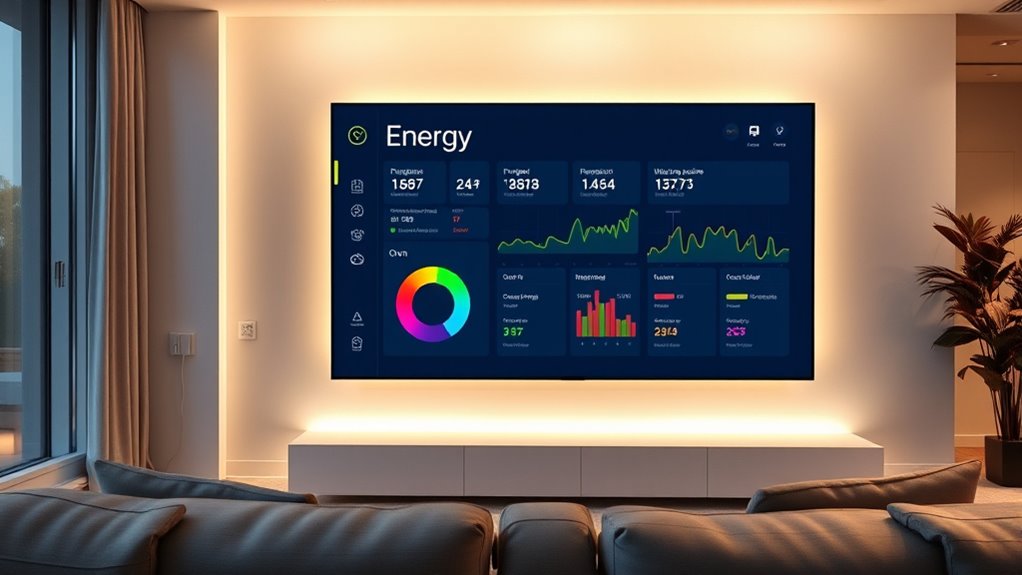
To use Home Assistant’s Energy Dashboard with your major appliances, start by installing appropriate sensors like CT clamps or smart plugs that support energy monitoring. Connect these devices to Home Assistant, ensuring proper setup and calibration for accurate data. Organize your appliances for easy visualization, and configure data collection intervals. With the dashboard’s tools, you can track, analyze, and optimize your energy use. Keep going, and you’ll discover how to harness this data for greater efficiency and savings.

Get home appliances delivered free with Prime
- Fast, free delivery on millions of items
- Prime Video, Amazon Music and more included
- Member-only deals all year
Key Takeaways
- Integrate appliances with compatible energy sensors or smart plugs supporting Home Assistant for accurate data collection.
- Assign clear, descriptive entity IDs and organize devices into groups for easy monitoring in the Energy Dashboard.
- Enable advanced mode and add energy entities for each major appliance to track real-time consumption effectively.
- Configure data update intervals and visualize appliance usage with graphs and bar charts within the Energy Dashboard.
- Analyze consumption patterns to identify high-usage appliances, optimize scheduling, and improve overall energy efficiency.
Setting Up Your Home Energy Monitoring System
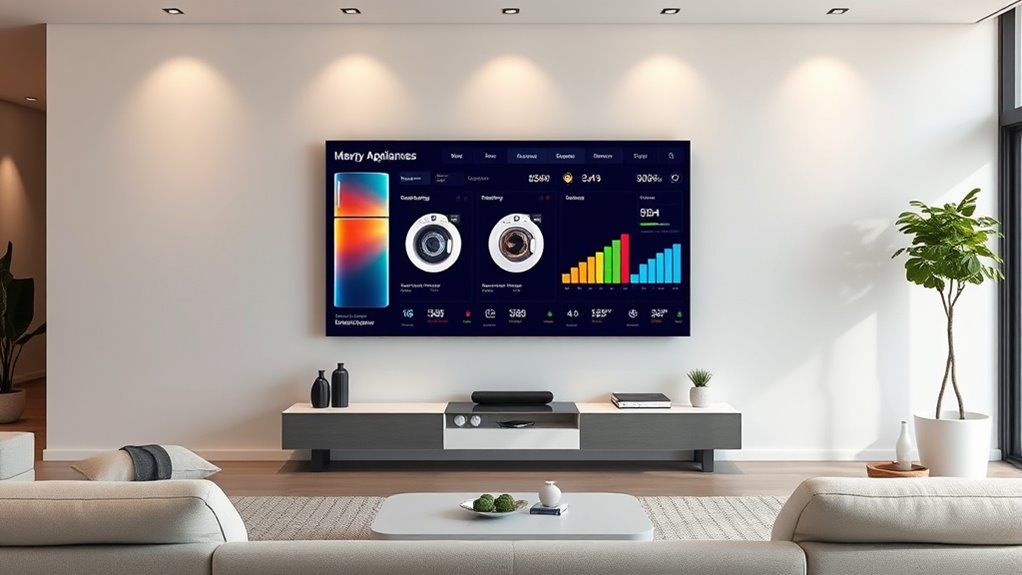
To set up your home energy monitoring system, start by installing a total home energy consumption sensor, such as a Shelly EM or a CT clamp device. These sensors measure the overall electricity flow into your house, providing essential data for your dashboard. It’s highly recommended to hire a licensed electrician to guarantee safe and correct installation. You can also use compatible smart plugs or energy monitoring devices like smart meters or car chargers with clamps for additional insights. For homes with renewable energy sources or battery backups, devices like Powerall Gateway or solar system integrations help track energy flow. Home Assistant’s Energy Dashboard is designed to integrate seamlessly with these sensors, offering a comprehensive overview of your energy usage. Once installed, connect these sensors to your Home Assistant setup, which will allow you to monitor your entire household’s energy consumption accurately and efficiently. Incorporating electric power generation devices such as bike generators or solar panels can further enhance your understanding of your home’s energy dynamics.
Integrating Major Appliances Into the Dashboard
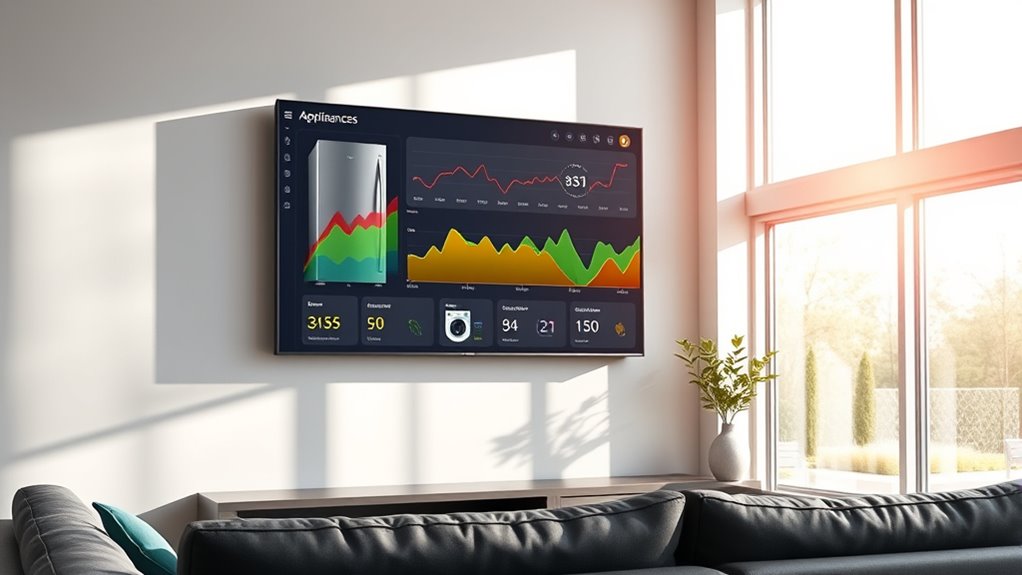
To effectively integrate your major appliances into the Energy Dashboard, start by choosing devices that support reliable energy monitoring and control features. Next, use clear naming conventions and group related appliances to keep your dashboard organized and easy to interpret. This approach helps you monitor energy use accurately and simplifies managing multiple devices at a glance. Supported devices and compatibility ensure that your selected appliances will provide the necessary data for comprehensive energy analysis. Additionally, understanding Eye Patch benefits can help you tailor your appliance management to better fit your household dynamics and optimize energy efficiency.
Device Selection Tips
Choosing the right energy monitoring devices is essential for accurately integrating major appliances into your Home Assistant dashboard. Look for devices with built-in energy sensors, such as Shelly or Kasa smart plugs, to improve measurement accuracy. For direct monitoring, consider circuit-level monitors like Shelly EM or Emporia Vue 2 that connect at the fuse box to target specific circuits. Ensure the devices you select are compatible with Home Assistant’s integrations, supporting local APIs for seamless data flow. Use devices with real-time updates and low latency, and prioritize those that expose detailed metrics like voltage, current, and energy consumption. Compatibility with smart home platforms is crucial to ensure smooth integration and reliable data collection. For safety and compliance, opt for professional installation of high-current devices or clamp meters. Reliable, compatible devices help you gather precise data for better energy management, and establishing healthy boundaries around device placement and usage can prevent data overload and facilitate effective monitoring.
Naming and Grouping Devices
Organizing your energy monitoring devices with clear naming and logical grouping makes managing and analyzing your appliances much easier. Use consistent names that combine location and device type, like “Kitchen Refrigerator” or “Living Room Washer.” Add suffixes or abbreviations for sensors, such as “t” for temperature or “B” for battery, to keep related sensors grouped. For multiple devices, differentiate with numerical suffixes, like “Kitchen Outlet 1” and “Kitchen Outlet 2.” Group devices by room or category, such as “Kitchen Appliances,” to simplify control and visualization. Create helper groups to monitor or automate specific sets. Using friendly, descriptive names enhances usability and supports future adjustments, making your energy dashboard more intuitive and efficient. Incorporating standardized naming conventions can further improve consistency and clarity across your device setup. Paying attention to device organization helps in quickly identifying and troubleshooting appliances, thereby improving overall energy management.
Selecting and Installing Appropriate Hardware Sensors
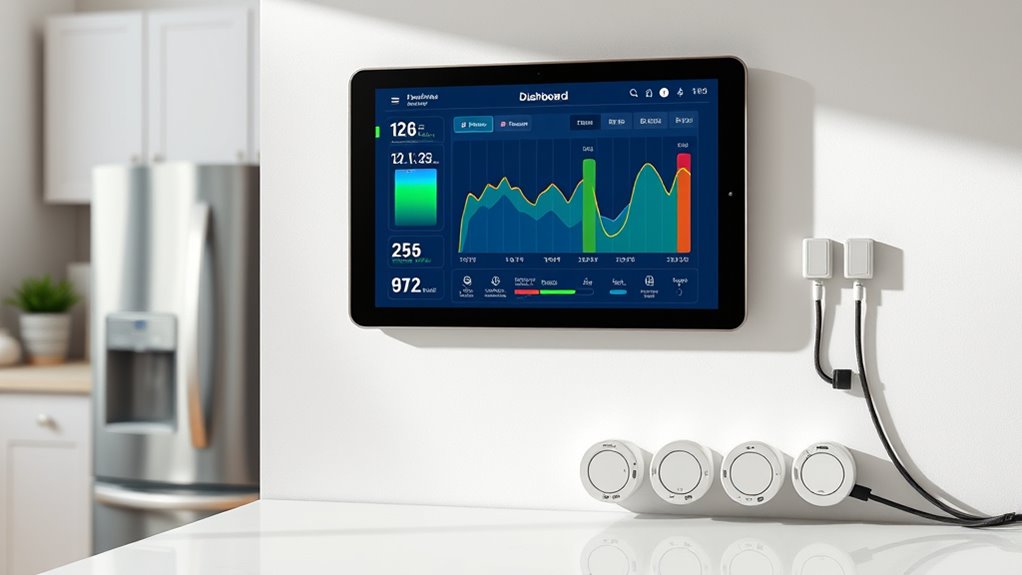
Choosing the right sensors means ensuring they’re compatible with Home Assistant and your electrical system. You’ll want to contemplate how accurate the data collection is and whether professional installation is necessary for safety. Proper installation and compatible hardware are key to getting reliable energy insights for your major appliances. Additionally, selecting sensors with precise measurement capabilities can significantly improve the accuracy of your energy monitoring. To optimize performance, consider sensors that are compatible with your existing system and can handle the electrical load safely.
Sensor Compatibility Requirements
Selecting the right sensors for your Home Assistant energy dashboard is essential to guarantee accurate and reliable data collection. You need sensors that support your household’s electrical specifications and communication protocols. Make sure they match voltage and current levels, like the Aeotec Gen 8’s 120-230V AC and 200A capacity. Compatibility with Home Assistant’s integrations, such as Z-Wave or Zigbee, is crucial for seamless data transfer. Proper installation is vital: sensors should be placed securely and safely, with correct positioning around conductors or appliances. Wireless devices must have strong signal coverage to prevent data loss. Choosing sensors that provide clear outputs—like energy consumption, power, and pulses—ensures your dashboard displays precise information. Smart toilet features such as leak detection sensors can be integrated into your system to monitor water usage and prevent wastage. Additionally, selecting sensors with robust communication protocols can help maintain consistent data flow even in complex household environments.
Professional Installation Necessities
Professional installation of hardware sensors on major appliances requires careful adherence to safety standards and regulatory guidelines. You must involve a licensed electrician to ensure compliance with electrical codes and prevent hazards. Verify that grounding and GFCI protection are in place to safeguard users. Follow manufacturer instructions for both the appliance and sensors to maintain warranties and device integrity. Post-installation, inspections by certified authorities are often necessary to certify safety and code compliance. When selecting hardware sensors, choose CT clamps rated for your circuit’s amperage and certified for safety and compatibility with Home Assistant. Make certain sensors support real-time, accurate energy monitoring, and integrate seamlessly via wired or wireless connections. Proper hardware handling and adherence to safety regulations are vital for reliable, safe, and compliant energy monitoring. Additionally, understanding the importance of proper grounding and safety procedures can significantly reduce the risk of electrical hazards during installation. Ensuring that all components have been tested for overheating risks adds an extra layer of safety during and after installation.
Accurate Data Collection Methods
To guarantee your energy monitoring setup delivers accurate data, it’s important to pick the right hardware sensors and install them correctly. First, choose sensors compatible with your system, such as CT clamps for whole-house or device-level monitoring, or smart plugs with energy tracking. Proper installation ensures precise readings, like securely attaching CT clamps around conductors or calibrating sensors regularly. Additionally, select sensors with high accuracy—over 99%—and ensure they support your desired communication protocols, like Z-Wave or Zigbee. For reliable measurements, consider vetted options specifically designed for home energy monitoring. It’s also essential to confirm that your sensors are compatible with your headphones and other connected devices to avoid interference or connection issues.
Configuring Data Collection for Accurate Insights
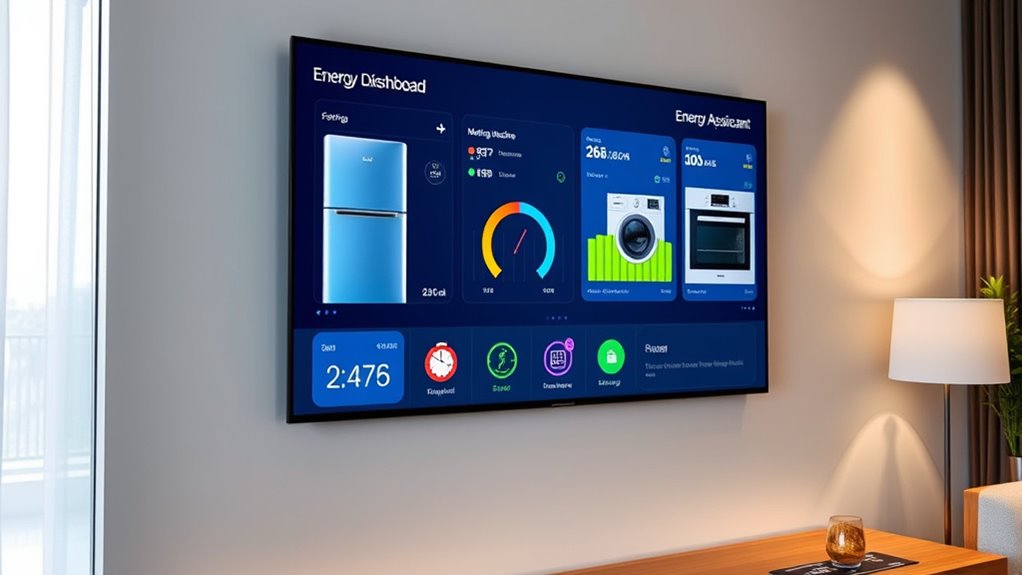
Achieving precise insights from your Home Assistant energy dashboard depends on careful configuration of your data collection setup. First, select certified smart meters, CT clamps, or smart plugs with energy monitoring features to ensure reliable measurements. Use licensed electricians for hardware installation, especially on mains or appliances, and choose devices supporting continuous data transmission to prevent gaps. Enable Advanced Mode in Home Assistant to access raw configuration options, then add energy entities for each device. Set appropriate data collection intervals—every minute or less—to capture on/off cycles accurately. Regularly calibrate sensors and verify data against utility bills. Properly grouping appliances and assigning unique entity IDs will improve detail and clarity in your insights. Additionally, understanding data accuracy is essential for making informed decisions based on your energy data. Maintaining a comprehensive setup ensures consistent and trustworthy measurements, which is crucial for accurate analysis.
Visualizing Appliance Usage and Identifying Patterns

Once your energy data is accurately collected and configured, you can turn to visualizing appliance usage for meaningful insights. Visual tools like graphs and bar charts help you see how each major appliance contributes to overall household energy consumption. Custom dashboards on tablets or mobile devices let you monitor consumption in real-time, making it easier to spot spikes or unusual power draws. Recognizing patterns, such as peak usage times or recurring cycles, helps identify inefficient behaviors or potential issues. This visualization not only enhances understanding but also supports effective decision-making to reduce energy waste. Recognizing patterns, such as peak usage times or recurring cycles, helps identify inefficient behaviors or potential issues. This data-driven approach enables you to focus on high-energy appliances for maintenance, replacement, or behavioral adjustments. Additionally, understanding retirement planning concepts can help you allocate resources efficiently for future home upgrades or energy-efficient investments.
Leveraging Energy Data for Efficiency and Savings
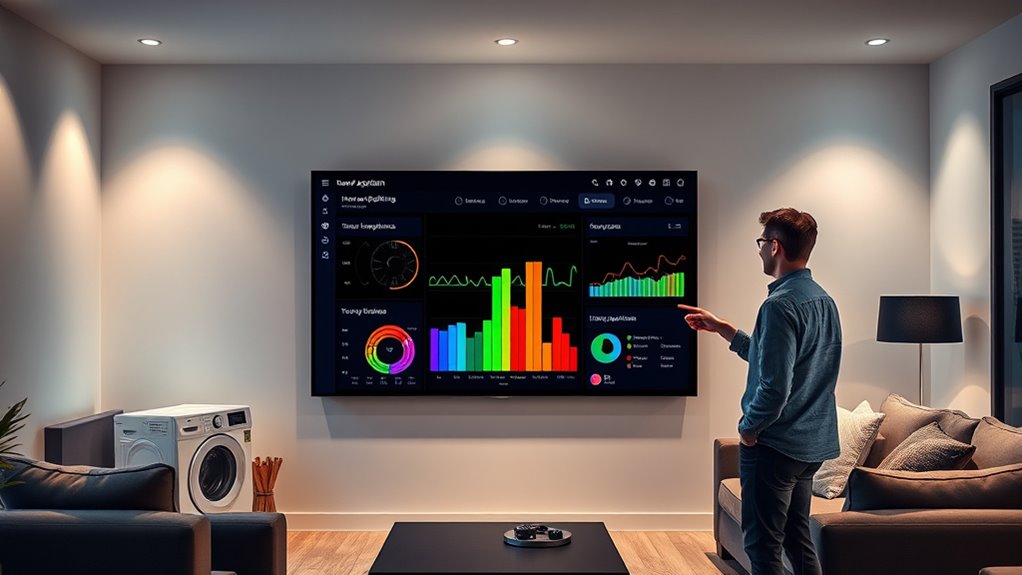
Leveraging energy data from your Home Assistant Energy Dashboard enables you to identify opportunities for efficiency and cost savings. By analyzing real-time consumption and costs, you can pinpoint high-usage appliances and adjust your habits accordingly. Scheduling appliances around solar forecasts or off-peak hours maximizes savings, while automation reduces unnecessary energy waste. Long-term trend analysis reveals patterns and highlights potential upgrades, helping you make informed decisions. Multi-source integration offers a comprehensive view of your energy landscape, enabling smarter management. Understanding the Worth – Kiss Me can also provide insights into how financial success influences lifestyle choices and energy consumption habits. Additionally, recognizing the importance of contrast ratio in projectors can enhance your home entertainment setup, making your viewing experience more vibrant and immersive.
Advanced Customization and Troubleshooting Tips

While the Home Assistant Energy Dashboard offers powerful core features, customizing it beyond default options requires understanding its limitations and available workarounds. You can’t freely rearrange the layout within the default energy panel, but you can create custom dashboards with flexible energy cards. These allow full control over placement, styling, and combining different visualizations. To troubleshoot issues, consider the following:
- Use custom dashboards to bypass layout restrictions and enhance visualization options.
- Manage energy entities carefully to prevent data loss when switching between single and multiple entity tracking.
- Be patient for data updates, as the dashboard refreshes hourly, and ensure all required energy sensors are correctly configured.
- For better understanding of data management, review total‑cost clarity to optimize your setup and troubleshoot common problems effectively. Additionally, understanding the physical health benefits of maintaining well-calibrated energy sensors can contribute to more accurate readings and efficient energy management.
Frequently Asked Questions
How Can I Link My Solar System With the Home Assistant Energy Dashboard?
You can link your solar system to Home Assistant’s Energy Dashboard by integrating your inverter’s API, installing CT clamp sensors, or using Forecast.Solar. First, add the relevant integration in Home Assistant, then configure sensors for solar production, grid flow, and battery status. Finally, include these entities in the Energy Dashboard setup, enabling real-time tracking, forecasts, and automation to optimize your solar energy use and maximize savings.
What Are the Best Practices for Calibrating Energy Sensors on Appliances?
Calibrating your energy sensors is the secret weapon to flawless data accuracy. You should manually set sensor values via Developer Tools, inputting specific calibration values with the `utility_meter.calibrate` service. For appliances without native sensors, create template sensors that calculate energy based on power and runtime. Regularly verify sensor readings against your main utility meter, adjusting calibration as needed, to keep your energy data as precise as a laser beam.
Can I Monitor Multiple Similar Appliances With a Single Sensor?
You can monitor multiple similar appliances with a single sensor by grouping their energy sensors in Home Assistant. This setup sums their power or energy usage into one collective reading, giving you a total view. However, you won’t see individual appliance data, only the combined consumption. For detailed insights, you’ll need separate sensors or smart plugs for each device, but grouping is great for a simplified overview.
How Do I Troubleshoot Data Discrepancies Between Sensors and Actual Consumption?
Ever wonder why your sensor readings don’t match your utility bills? To troubleshoot, start by verifying sensor compatibility and correct installation locations to avoid interference. Regularly calibrate sensors and compare their data with your utility meter to catch errors. Check for sensor rollovers or data spikes, and use Home Assistant’s tools to filter or reset faulty readings. Always cross-reference multiple sensors, review logs, and back up data before making adjustments.
Is It Possible to Automate Energy Saving Based on Appliance Usage Patterns?
Yes, you can automate energy saving based on appliance usage patterns in Home Assistant. By setting thresholds and rules on your energy sensors, you can trigger automations to turn off or delay high-energy devices during peak times or when usage is unnecessary. This allows you to optimize your energy consumption, reduce costs, and improve efficiency automatically, providing real-time control based on how and when your appliances are used.
Conclusion
By mastering your Home Assistant energy dashboard, you’ll gain insights like a detective uncovering clues—each appliance revealing its energy secrets. With the right sensors and configurations, you can optimize your energy use, saving money and reducing waste. Think of it as tuning a finely crafted instrument, where every adjustment leads to harmony. Keep experimenting, and you’ll transform your home into an efficient, smart sanctuary that responds to your needs effortlessly.
Cold & flu season Picks
humidifiers
As an affiliate, we earn on qualifying purchases.