
If your Dyson V15 Detect™ Origin Cordless Vacuum is experiencing quick battery drain, you’re not alone. Over time, batteries can lose capacity, but other issues like clogged filters or improper maintenance also contribute. This guide provides practical, safe steps to diagnose and fix common causes of rapid battery decline, helping you restore optimal cleaning performance.
Follow these straightforward steps to identify the root problem and apply effective solutions. Remember, regular maintenance is key to prolonging your Dyson’s battery life and ensuring efficient operation.
Key Takeaways
| Battery Age and Usage | Older batteries or extensive use can reduce runtime. |
| Clogged Filters or Debris | Blocked filters or debris can strain the motor and drain battery. |
| Inaccurate Power Settings | Incorrect or high power modes may unnecessarily shorten run time. |
| Poor Charging Habits | Using incompatible chargers or incomplete charging cycles can harm battery health. |
| Need for Replacement Parts | Worn filters or batteries require timely replacement to restore performance. |

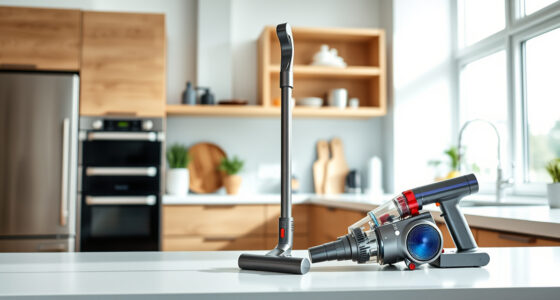
Dyson V15 Detect™ Origin Cordless Vacuum
- Deep cleaning with intelligent dust detection: Reveals invisible dust for thorough cleaning
- Enhanced power and runtime: 100% more power, 60-minute battery life
- Energy-efficient power trigger: Uses power only when needed
As an affiliate, we earn on qualifying purchases.
Check the Battery Age and Usage
- Identify how long you’ve been using your Dyson V15 and the number of charging cycles completed.
- If your vacuum is over 2-3 years old or has undergone frequent full charges, the battery might be nearing end of life.
- Consider replacing the battery if it’s no longer holding sufficient charge, or consult Dyson support for battery diagnostics.
Inspect and Clean Filters
- Remove the pre-filters and any other filters according to the user manual.
- Rinse reusable filters (like the 3Pack Pre Filters or V10 filters) with water and let them dry completely before reinstalling.
- Replace filters if they appear damaged or excessively clogged.
Evaluate Power Settings and Usage
- Ensure you’re using the appropriate power mode for your cleaning task, as higher modes consume more battery.
- Use the power trigger efficiently—only activate when necessary to conserve energy.
- Check the LCD screen for alerts or remaining run time to adjust your usage accordingly.
Ensure Proper Charging Practices
- Use the original Dyson charger and avoid leaving the vacuum plugged in continuously after full charge.
- Charge in a cool, dry place and avoid partial or interrupted charging cycles.
- If the battery does not seem to charge fully, consider replacing the charger or battery.
Replace Worn or Damaged Parts
- Replace filters regularly—every 2-3 months—to maintain suction and prevent motor strain.
- Consider replacing the battery if runtime remains short despite proper maintenance.
- Use compatible accessories like the LANMU Crevice Tool for thorough cleaning, which reduces strain on the vacuum.
The Products in This Guide

Dyson V15 Detect™ Origin Cordless Vacuum
- ✔ Weight: 6.8 lbs
- ✔ Run Time: Up to 60 minutes
- ✔ Filter Type: HEPA and washable

LANMU Crevice Tool Vacuum Attachments Compatible
- ✔ Weight: 0.5 lbs
- ✔ Length: 15 inches
- ✔ Material: Plastic and rubber
Dyson V15 Detect™ Origin Cordless Vacuum
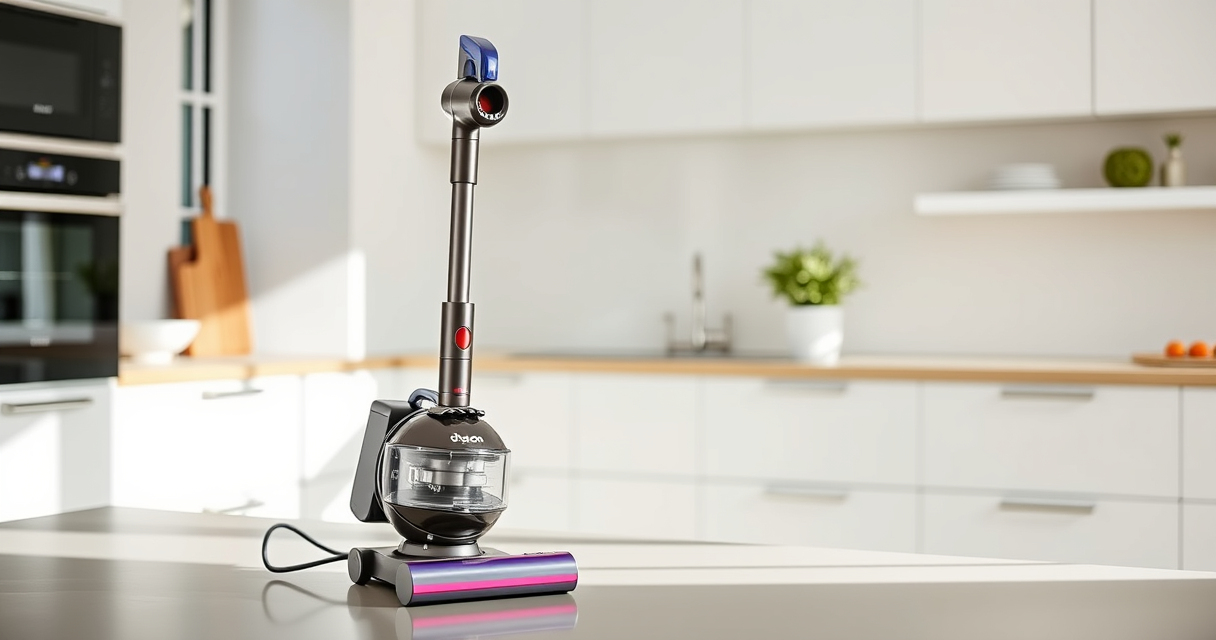
<p>The Dyson V15 Detect™ Origin Cordless Vacuum combines powerful suction with intelligent features, making it ideal for whole-home cleaning. Its LCD screen provides real-time updates on performance and maintenance alerts, helping you keep the device in top shape.</p><p>Regular maintenance, including filter cleaning and battery checks, will ensure your vacuum performs optimally and extends its lifespan.</p>
Pros:
- Powerful 100% more suction
- Intelligent debris detection
- Long 60-minute runtime
- LCD performance display
Cons:
- Battery may degrade over years
- Filters require regular cleaning
- Higher price point
Best for: Homeowners seeking deep, intelligent cleaning with long battery life.
Not ideal for: Users with very tight budget or minimal cleaning needs.
Bottom line: The Dyson V15 Detect™ offers powerful, smart cleaning, but maintaining the battery is key to consistent performance.
LANMU Crevice Tool Vacuum Attachments Compatible
<p>The LANMU Crevice Tool provides a narrow, flexible nozzle perfect for cleaning tight corners, between furniture, and car interiors. Compatible with Dyson V15 and other models, it enhances your cleaning versatility.</p><p>Using this attachment helps reduce strain on your vacuum by reaching difficult spots efficiently, preserving battery life.</p>
Pros:
- Narrow, flexible design
- Compatible with many Dyson models
- Easy to maneuver
- Great for detailed cleaning
Cons:
- Requires separate purchase
- Less effective for large debris
- May need additional attachments for broad cleaning
Best for: Cleaning tight corners, car interiors, and tricky edges.
Not ideal for: Cleaning large floor areas or heavy debris.
Bottom line: The crevice tool boosts your Dyson’s reach, making cleaning tight spots easier and more efficient.
Frequently Asked Questions
How do I know if my Dyson battery needs replacement?
If your vacuum’s runtime has significantly decreased despite cleaning filters and maintaining proper charging habits, it may be time to replace the battery. Consult Dyson support or check with a professional for diagnostics.
Can I extend my Dyson battery life?
Yes, using proper charging routines, cleaning filters regularly, and avoiding overuse of high power modes can help extend battery lifespan. Replacing worn batteries is also recommended when performance declines.
How often should I clean or replace filters?
Filters should be cleaned every 2-3 months, depending on usage. Replace filters if they become damaged or clogged despite cleaning to maintain optimal suction and battery efficiency.
What safety precautions should I observe when fixing my Dyson?
Always turn off and unplug your vacuum before performing maintenance. Use only compatible replacement parts, avoid water contact with electrical components, and handle batteries carefully to prevent damage or injury.
Keep Your Dyson Running Strong
Regular maintenance and proper usage are essential to prevent your Dyson V15 Detect™ from experiencing rapid battery drain. Following these troubleshooting steps can help you identify issues early and extend your vacuum’s lifespan, ensuring powerful cleaning whenever you need it.
Remember, replacing worn filters and batteries at the right time will keep your Dyson performing at its best, saving you time and effort in your cleaning routine.
Affiliate disclosure: As an Amazon Associate we earn from qualifying purchases. Prices and availability are accurate as of the time of publishing.