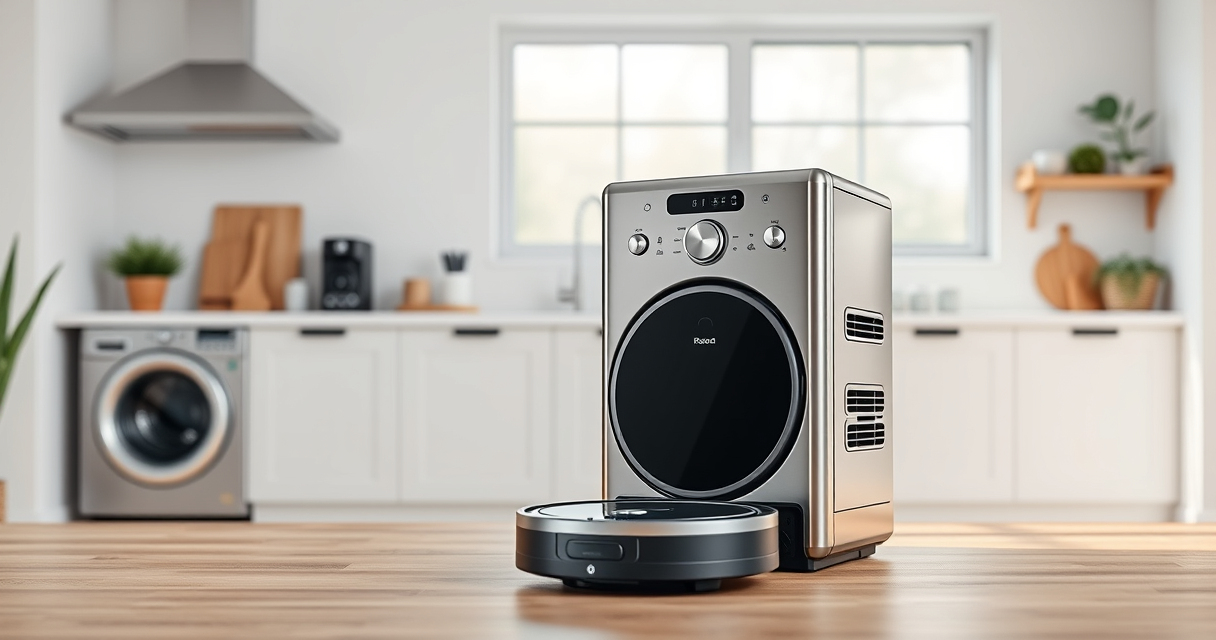
Roborock robotic vacuums, like the Q7 M5+ model, are excellent for maintaining a clean home, but like any device, they require regular care and troubleshooting. Proper maintenance ensures optimal performance and longevity. In this guide, you’ll find clear, step-by-step instructions to troubleshoot common issues and keep your Roborock operating at peak efficiency.

Get home appliances delivered free with Prime
- Fast, free delivery on millions of items
- Prime Video, Amazon Music and more included
- Member-only deals all year
Whether you’re dealing with navigation problems, cleaning performance issues, or routine upkeep, this comprehensive guide will help you address these concerns safely and effectively.
Key Takeaways
| Regular Maintenance Extends Lifespan | Consistent cleaning and part replacement keep your Roborock performing well. |
| Troubleshooting Navigation Errors | Check sensors and update firmware to resolve navigation issues. |
| Cleaning Performance Problems | Replace filters and mop pads regularly for best results. |
| Battery and Power Tips | Proper charging habits prolong battery life. |
Routine Cleaning and Maintenance
- Start by turning off and unplugging your Roborock to ensure safety before performing any maintenance.
- Remove the dust bin and empty it completely. For the Q7 M5+, the 2.7L sealed dust bag can hold up to 7-9 weeks of debris, reducing the frequency of emptying.
- Inspect the main brush and side brushes for hair or debris entanglement. Use the provided cleaning tools to gently remove hair from the tangle-resistant jaws and brush rollers.
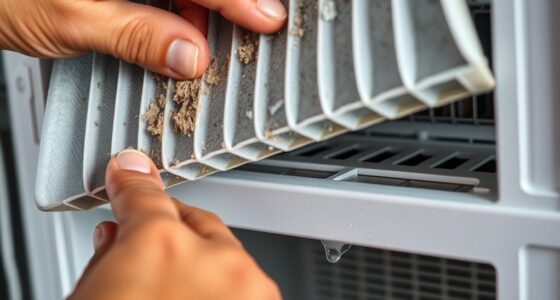
- Check the filters—the Q7 M5+ uses washable True HEPA filters. Rinse them under water, then let them dry thoroughly before reinserting.
- Clean the sensors and charging contacts with a soft, dry cloth. Dust or dirt on sensors can impair navigation and docking.
Regularly performing these steps will maintain suction power, improve navigation, and extend the lifespan of your Roborock.
Troubleshooting Navigation and Obstacle Detection
- If your Roborock struggles with navigation or gets stuck frequently, start by updating its firmware via the app. Manufacturers often release updates that improve performance.
- Clean the PreciSense LiDAR sensor located on the top of the robot. Use a soft cloth to remove dust or smudges.
- Ensure the robot’s wheels and side brushes are free of hair and debris, which can hinder movement.
- Calibrate the navigation system by resetting the mapping if necessary. Follow the app instructions to delete the current map and allow the robot to remap your space.
- Check for any obstructions around charging stations or along the robot’s path that could interfere with navigation.
Addressing these points helps your Roborock navigate smoothly and avoid common obstacles or misdirection issues.
Maintaining Cleaning Effectiveness
- Replace or wash the mop pads regularly. For the Q7 M5+, use microfiber reusable mop pads, washing every 1-3 months for optimal cleaning.
- Check the suction power—if cleaning performance drops, inspect and clean the main brush and filter. Replace the washable HEPA filter if it appears worn or clogged.
- Ensure the dust bag is not overfilled. The 2.7L sealed bag allows for long periods between emptying but check periodically for clogs or damage.
- Inspect the side brushes and main brush for hair or debris. Replace worn brushes to maintain thorough cleaning.
- Confirm that the robot is operating in a clean environment—remove any large objects or cords that might interfere with cleaning.
Consistent maintenance of these components keeps your Roborock performing at its best, ensuring deep cleaning every time.
Battery Care and Power Management
- Charge your Roborock fully before initial use and after each cleaning cycle to preserve battery health.
- Avoid letting the battery completely drain before recharging, as this can shorten its lifespan.
- If your robot takes longer to return to full charge or runs out quickly, consider replacing the battery or consulting the manufacturer for advice.
- Use the original charging dock and keep it clean to ensure consistent charging connections.
- Store your Roborock in a cool, dry place if not in use for extended periods to prevent battery degradation.
Proper battery management extends your device’s operational life and maintains reliable cleaning cycles.
Tips and Warnings for Safe Maintenance
- Always turn off and unplug your Roborock before performing maintenance to avoid electrical shock or damage.
- Use soft, lint-free cloths for cleaning sensors and charging contacts to prevent scratches.
- Do not use harsh chemicals or abrasive tools that could damage sensitive parts.
- Ensure filters are completely dry before reinserting to prevent mold or damage.
- Follow the manufacturer’s instructions for replacing parts to avoid voiding warranties.
Safety first: Regular, cautious maintenance will keep your Roborock in top shape while preventing accidental damage.
The Products in This Guide
roborock Q7 M5+ Robot Vacuum and Mop

The Roborock Q7 M5+ Robot Vacuum and Mop offers powerful suction, advanced navigation, and up to 7-9 weeks of self-emptying capacity. Its dual anti-tangle system makes it pet-friendly and maintenance easier.
Pros:
- Powerful 10000Pa suction
- Long self-emptying cycle
- Advanced LiDAR navigation
- Pet hair friendly
Cons:
- Hefty dust bag replacement
- Requires app setup
- Limited to certain floor types
Best for: Homeowners seeking deep, hands-free cleaning with minimal maintenance
Not ideal for: Homes with very high-pile carpets or delicate flooring
Bottom line: A powerful, low-maintenance robotic vacuum ideal for pet owners and busy households.
4 Pack Washable Filter

This 4-pack of washable HEPA filters ensures your Roborock Q7 M5+ maintains high filtration efficiency, supporting healthy indoor air and optimal suction performance.
Pros:
- Effective HEPA filtration
- Washable and reusable
- Easy to install
- Cost-effective
Cons:
- Filters may need replacement after extended use
- Requires regular cleaning
- Not OEM
Best for: Users wanting to maintain air quality and filtration performance
Not ideal for: Those preferring OEM parts or with very sensitive allergies
Bottom line: Affordable, effective filtration that keeps your Roborock running cleanly and efficiently.
Frequently Asked Questions
How often should I clean the filters on my Roborock Q7 M5+?
It’s recommended to wash the filters every 1-2 weeks if used frequently. Replace them every 3-6 months for optimal performance.
Why does my Roborock get stuck or have navigation errors?
Check for dirt on the LiDAR sensor, ensure wheels and brushes are free of hair, and keep the environment free of obstacles. Firmware updates can also improve navigation.
Can I use third-party mop pads with my Roborock?
Yes, many third-party mop pads are compatible. Look for microfiber pads designed for your specific model for best results.
What should I do if my vacuum’s suction decreases?
Inspect and clean the main brush, filters, and dust bag. Replace filters if clogged or worn for restored suction.
How do I reset my Roborock to resolve persistent issues?
Follow the app instructions for factory resetting or reboot the device manually by turning it off, waiting a few seconds, then turning it back on.
Keep Your Roborock Running Like New
Regular maintenance and troubleshooting are key to ensuring your Roborock Q7 M5+ continues to deliver powerful, efficient cleaning. With these practical steps, you’ll extend its lifespan, maintain optimal suction, and enjoy a cleaner home with minimal hassle.
Always follow safety precautions and manufacturer guidelines to keep your device operating safely and effectively for years to come.
Affiliate disclosure: As an Amazon Associate we earn from qualifying purchases. Prices and availability are accurate as of the time of publishing.
Fall yard work Picks

Halloween Inflatable Haunted House Maze – 20×20 ft with Removable Roof and Blower
As an affiliate, we earn on qualifying purchases.