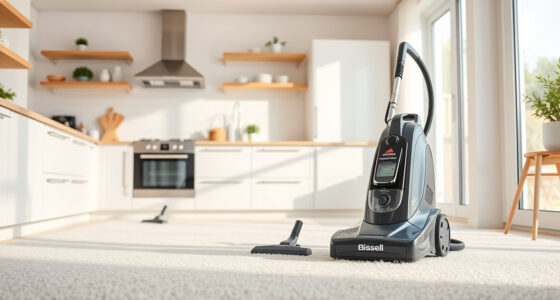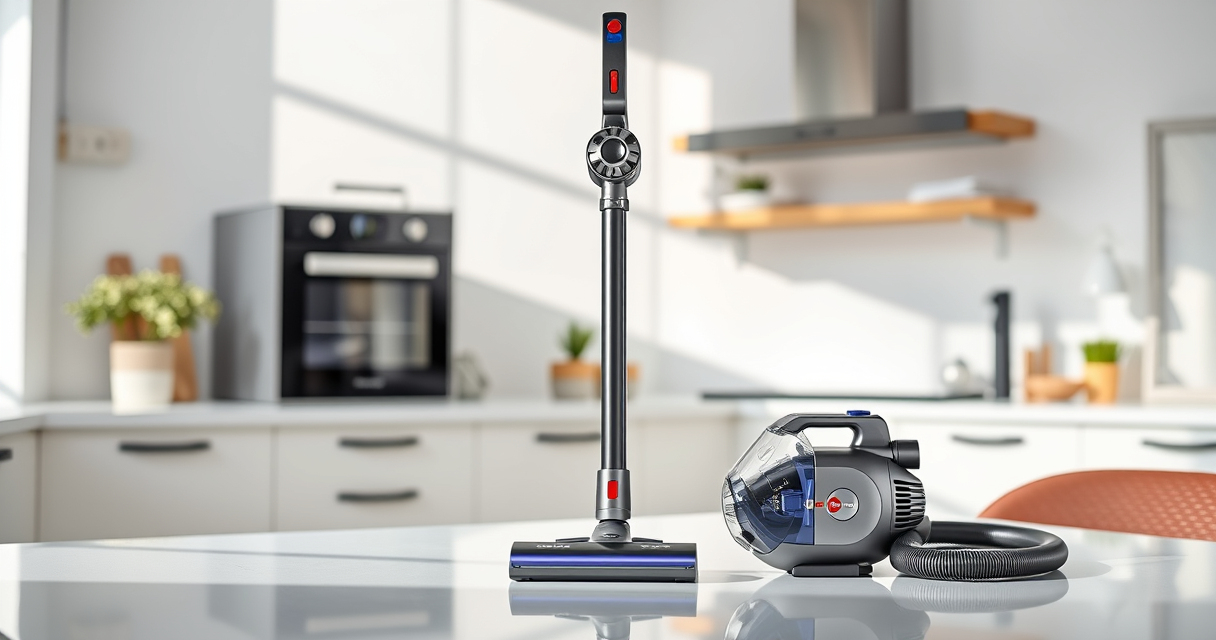
Unboxing and setting up your new Dyson V15 Detect™ Origin cordless vacuum is an exciting step toward cleaner floors and easier home maintenance. This advanced vacuum offers powerful cleaning, intelligent features, and a user-friendly design. Proper setup ensures you get the best performance and longevity from your device.

Get home appliances delivered free with Prime
- Fast, free delivery on millions of items
- Prime Video, Amazon Music and more included
- Member-only deals all year
In this guide, you’ll find clear, step-by-step instructions on how to assemble, charge, and start using your Dyson V15 Detect. Plus, helpful tips for maintaining your vacuum and troubleshooting common issues for a smooth cleaning experience.
Key Takeaways
| Powerful and intelligent | Reveals invisible dust with 100% more power and smart debris detection. |
| Long runtime | Up to 60 minutes of cleaning per charge, with LCD screen displaying real-time info. |
| Versatile cleaning heads | Includes Fluffy Optic and Digital Motorbar heads for various surfaces. |
| Easy assembly and maintenance | Simple steps to set up, charge, and keep your vacuum performing at its best. |
| Additional tools | Crevice tool for tricky edges, with optional compatible attachments. |
Unboxing and Inspection
- Carefully remove the Dyson V15 Detect™ Origin vacuum and all accessories from the packaging. Check that all components are present: main body, cleaner heads, crevice tool, charger, and any additional attachments.
- Inspect each part for any visible damage or missing pieces. Refer to the included product manual for a list of components.
- Ensure the filter is properly installed in the main unit. The V15 Detect uses a high-efficiency filter that is essential for optimal performance.
Charging Your Dyson V15 Detect
- Connect the included charger to a suitable power outlet.
- Attach the charger plug to the charging port on the main vacuum unit. The port is typically located at the back or side of the handle.
- Allow the vacuum to fully charge before first use; this typically takes about 3.5 hours. The LCD screen will display the remaining charging time.
- During charging, the LCD may show charging status and battery level. Once fully charged, the vacuum will be ready for use.
Assembling Your Dyson V15 Detect
- Attach the preferred cleaner head (either Fluffy Optic or Digital Motorbar) to the wand or main body by aligning the connection points and pushing until it clicks securely.
- If you need to convert to handheld mode, press the release button on the wand or handle to detach the wand section.
- Attach the crevice tool or other attachments as needed for detailed or edge cleaning.
Powering On and Using Your Vacuum
Press the power trigger to activate the vacuum. The LCD screen will display real-time data such as debris detected, remaining run time, and power mode. Use the power mode button to switch between different settings for carpet or hard floor cleaning.
Move the vacuum slowly over surfaces, letting the cleaner heads do the work. Use the crevice tool for narrow spaces or edges, and switch heads as needed for different floor types.
Maintaining and Troubleshooting
- Regularly empty the dustbin by pressing the release button and removing the bin. Dispose of debris safely.
- Clean or replace filters every 2-3 months to maintain suction. The V15 Detect uses a high-efficiency filter that is easy to wash with water—just air dry before reinstalling.
- If the LCD displays maintenance alerts or low battery warnings, follow prompts or recharge as needed.
- For persistent issues, consult the user manual or contact Dyson customer support for troubleshooting.
The Products in This Guide

Dyson V15 Detect™ Origin Cordless Vacuum
- ✔ Item Weight: Approx. 6.8 lbs
- ✔ Run Time: Up to 60 min
- ✔ Charger Type: Fast-charge

LANMU Crevice Tool Vacuum Attachments Compatible
- ✔ Attach Method: Click-fit
- ✔ Flexibility: High
- ✔ Length: 20 inches
Dyson V15 Detect™ Origin Cordless Vacuum
In my experience, the Dyson V15 Detect™ Origin offers a seamless setup process, with clear instructions for assembly and charging. Its intelligent features and versatile heads make it a standout choice for comprehensive home cleaning. Proper initial setup ensures you maximize its capabilities from the start.
Pros:
- Powerful suction and smart debris detection
- Long-lasting battery life
- Easy to assemble and operate
- Includes advanced cleaner heads
Cons:
- Higher price point
- Requires regular filter maintenance
- Heavier than some handheld models
Best for: Whole-home deep cleaning, pet hair removal, hard floors, and carpets.
Not ideal for: Light, occasional cleaning needs or very tight storage spaces.
Bottom line: The Dyson V15 Detect offers powerful, intelligent cleaning with easy setup for all-around home use.
LANMU Crevice Tool Vacuum Attachments Compatible
The LANMU Crevice Tool is an excellent accessory that complements your Dyson vacuum by reaching into tight corners and narrow spaces, making your cleaning more thorough and less frustrating.
Pros:
- Narrow nozzle for tight spots
- Compatible with many Dyson models
- Flexible and durable
- Easy to attach and detach
Cons:
- Not compatible with V6 or canister models
- May require additional storage space
Best for: Cleaning corners, car interiors, and tight gaps
Not ideal for: General floor cleaning or large debris removal
Bottom line: A versatile accessory that makes reaching into tight spots easier and more efficient.
Frequently Asked Questions
How do I know when to replace the filters?
The LCD display on your Dyson V15 Detect will notify you when filters need cleaning or replacement. Typically, filters should be washed every 2-3 months for optimal performance.
Can I wash the filters?
Yes, filters are washable. Rinse them with water, wring out excess moisture, and let them air dry completely before reinstalling. Do not use detergents or dryers.
How long does the battery last on a full charge?
The Dyson V15 Detect offers up to 60 minutes of run time on a full charge, depending on the power mode and attachments used.
What should I do if the vacuum won’t turn on?
Ensure the vacuum is fully charged. Check that the battery is properly connected, and that the filter is installed correctly. If issues persist, consult the troubleshooting section of the manual or contact Dyson support.
How do I switch between cleaning modes?
Use the LCD screen to select different power modes based on your cleaning needs. The vacuum automatically adapts power when debris is detected for efficient cleaning.
Getting the Most from Your Dyson V15 Detect
With proper setup and routine maintenance, your Dyson V15 Detect will provide powerful, intelligent cleaning for years to come. Always follow the manufacturer’s instructions for assembly, charging, and filter care to maximize performance and lifespan. Whether tackling pet hair, hard floors, or carpets, your vacuum is ready to handle it all with ease and efficiency.
Enjoy a cleaner, healthier home with your new Dyson; a little upfront effort in setup ensures you get the best results every time you vacuum.
Affiliate disclosure: As an Amazon Associate we earn from qualifying purchases. Prices and availability are accurate as of the time of publishing.