Maintaining your Keurig K-Mini Single Serve Coffee Maker is essential for ensuring fresh, flavorful coffee every morning. Proper upkeep prevents clogs, mineral build-up, and flavor carryover that can impact your brew quality. Whether you’re new to Keurig or a seasoned user, this comprehensive guide offers practical, safe, and effective maintenance tips, step-by-step instructions, and troubleshooting advice to keep your machine running smoothly.

Get home appliances delivered free — and shop member deals
- Fast, free delivery on millions of items
- Access to Prime Big Deal Days deals on October 6–7
- Prime Video, Amazon Music and more included
From regular cleaning routines to descaling techniques, we’ll cover everything you need to know. Plus, learn how to troubleshoot common issues and enhance your coffee experience with recommended accessories. Read on to make sure your Keurig stays reliable and produces the best-tasting coffee for years to come.
Key Takeaways
| Regular Cleaning Essential | Keeps the machine free of residue and oils. |
| Periodic Descaling Required | Removes mineral buildup to prevent clogs. |
| Use Proper Cleaning Products | Keurig-approved rinse pods and descaling solutions. |
| Troubleshoot Effectively | Address brewing issues promptly to avoid damage. |
| Maintain Water Quality | Use fresh, filtered water for better taste and longevity. |
Preparing for Maintenance
Before starting any cleaning or troubleshooting, ensure your Keurig K-Mini is unplugged and cooled down. Gather all necessary supplies, including Keurig-approved rinse pods, descaling solution, a clean cloth, and water. Reading your user manual can provide additional safety tips specific to your model. Regular maintenance routines help prevent buildup and keep your machine functioning optimally.
Cleaning the Brew Area and Water Reservoir
- Remove the water reservoir from the machine and empty any remaining water.
- Wash the reservoir with warm, soapy water, and rinse thoroughly. Dry with a clean cloth.
- Wipe the brew head and surrounding area with a damp cloth to remove coffee oils and residue.
- Reattach the reservoir once clean and dry.
Cleaning these areas weekly helps prevent clogs and flavor carryover, ensuring your coffee remains fresh and vibrant.
Descaling Your Keurig K-Mini
Mineral deposits from water can impair performance over time. Descaling every 3-6 months is recommended. Use a Keurig-approved descaling solution or white vinegar diluted with water (follow manufacturer instructions). Here’s how:
- Fill the water reservoir with the descaling solution or vinegar.
- Place a large mug on the drip tray.
- Run a brew cycle without a K-Cup, allowing the solution to flow through.
- Repeat the cycle until the reservoir is empty.
- Rinse the reservoir thoroughly and refill with fresh water.
- Run several brew cycles with just water to flush out any residual descaling solution or vinegar taste.
Proper descaling keeps your machine free of mineral buildup, preventing clogs and ensuring consistent brew quality.
Troubleshooting Common Issues
If your Keurig K-Mini isn’t working properly, here are some common problems and solutions:
- Machine not brewing: Check water level, ensure reservoir is properly seated, and clean the brew head.
- Leaking water: Inspect the water reservoir for cracks or improper placement, and clean the exit needle to remove blockages.
- Slow brewing or no water flow: Descale the machine to remove mineral deposits, and clean the internal pathways.
- Weak coffee or poor flavor: Clean the brew area, use fresh water, and consider replacing the water filter if applicable.
Additional Tips for Optimal Maintenance
Always use filtered or fresh water to reduce mineral buildup. Regularly inspect the needle and spray head for clogs, and replace water filters as recommended. For travel, ensure the drip tray is emptied and the machine is dry to prevent mold and damage. Consider investing in accessories like the My K-Cup reusable filter to extend your options for brewing ground coffee, which also requires regular cleaning.
The Products in This Guide

Keurig K-Mini Single Serve K-Cup Pod Coffee Maker
- ✔ Brew Size: 6-12oz
- ✔ Width: Less than 5 inches
- ✔ Color: Black

My K-Cup® Reusable Coffee Filter
- ✔ Material: Plastic and steel
- ✔ Compatibility: All Keurig models
- ✔ Dishwasher Safe: Yes
Keurig K-Mini Single Serve K-Cup Pod Coffee Maker
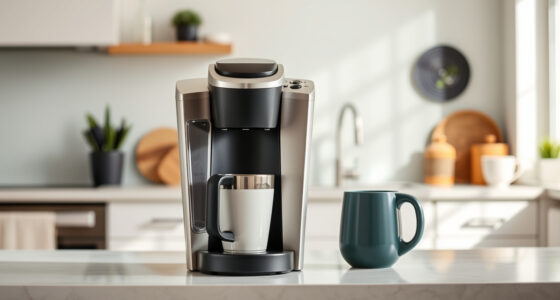
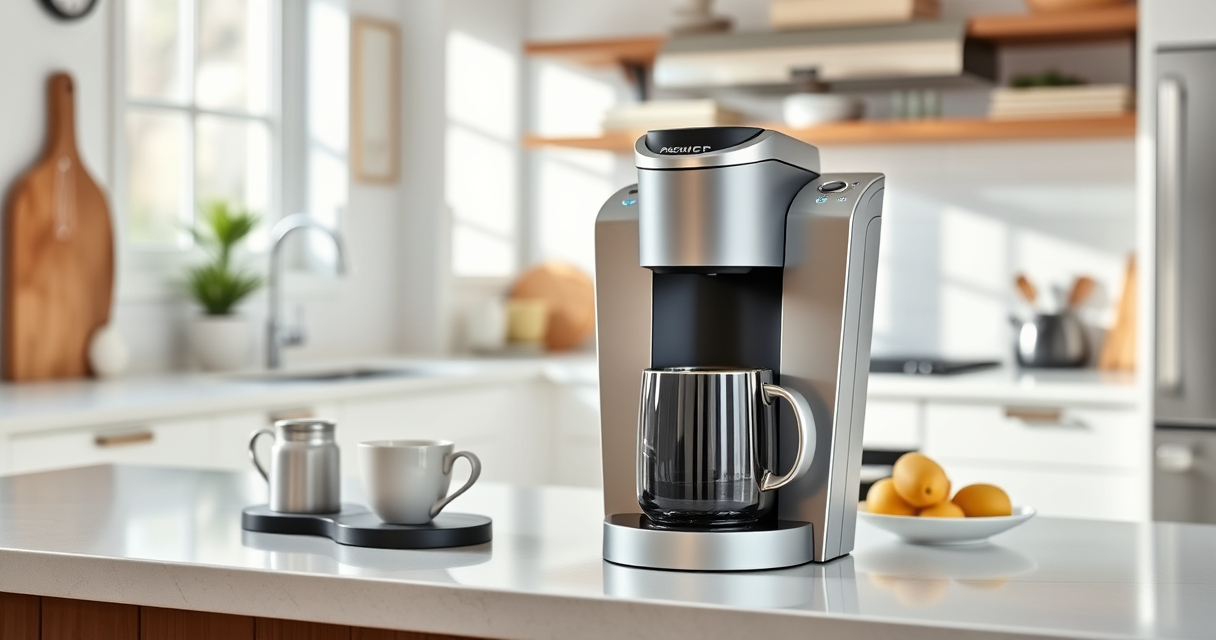
The Keurig K-Mini is a sleek, space-saving single-serve coffee maker that fits perfectly in small kitchens or office spaces. Its simple design and one-cup reservoir make it easy to clean and maintain. Regular descaling and cleaning are essential to keep it performing at its best, and using approved products ensures safety and efficiency.
Pros:
- Compact and space-efficient design
- Easy to clean and maintain
- Brews in minutes
- Removable drip tray for easy cleanup
Cons:
- Limited to 6-12oz brew sizes
- No built-in water filter
- Requires frequent refilling of water reservoir
Best for: Small spaces, quick coffee needs, users seeking simple maintenance
Not ideal for: Large coffee volumes or extensive features
Bottom line: Perfect for small spaces that need quick, simple coffee brewing with minimal maintenance.
My K-Cup® Reusable Coffee Filter
The My K-Cup® Reusable Coffee Filter allows you to brew your favorite ground coffee directly in your Keurig K-Mini. It’s easy to clean and compatible with your machine, offering a versatile alternative to single-use pods. This reusable filter helps you enjoy a more eco-friendly and economical coffee routine.
Pros:
- Brews with ground coffee
- Eco-friendly and cost-effective
- Easy to clean
- Compatible with Keurig models
Cons:
- Requires regular cleaning
- May take longer to brew than pods
- Limited to ground coffee only
Best for: Users who prefer ground coffee and want to reduce waste
Not ideal for: Those who exclusively use K-Cup pods
Bottom line: A practical upgrade for ground coffee lovers seeking savings and sustainability.
Frequently Asked Questions
How often should I descale my Keurig K-Mini?
Descale your Keurig K-Mini every 3-6 months, or more frequently if you have hard water, to prevent mineral buildup and ensure optimal performance.
Can I use ground coffee in my Keurig K-Mini?
Yes, by using a reusable filter like the My K-Cup, you can brew ground coffee directly in your Keurig K-Mini.
Why is my coffee brewing weak or cold?
This could be due to mineral buildup or a clogged spray head. Descaling and cleaning the brew area can improve water flow and brewing temperature.
My Keurig leaks water during brewing. What should I do?
Check that the water reservoir is properly seated and free of cracks. Clean the exit needle and ensure the reservoir lid is secure.
How do I clean the brew area?
Wipe the brew head with a damp cloth weekly and remove any coffee grounds or residue. Use rinse pods or descaling solutions periodically for thorough cleaning.
Keep Your Keurig K-Mini Brewing Perfectly
Regular maintenance of your Keurig K-Mini ensures it continues to deliver fresh, flavorful coffee every day. By following these cleaning, descaling, and troubleshooting steps, you can extend the lifespan of your machine and enjoy optimal performance. Invest in the right accessories, like the My K-Cup reusable filter, to customize your brewing experience and reduce waste. With proper care, your Keurig will remain a reliable part of your morning routine for years to come.
Affiliate disclosure: As an Amazon Associate we earn from qualifying purchases. Prices and availability are accurate as of the time of publishing.
Cold & flu season Picks
humidifiers
As an affiliate, we earn on qualifying purchases.