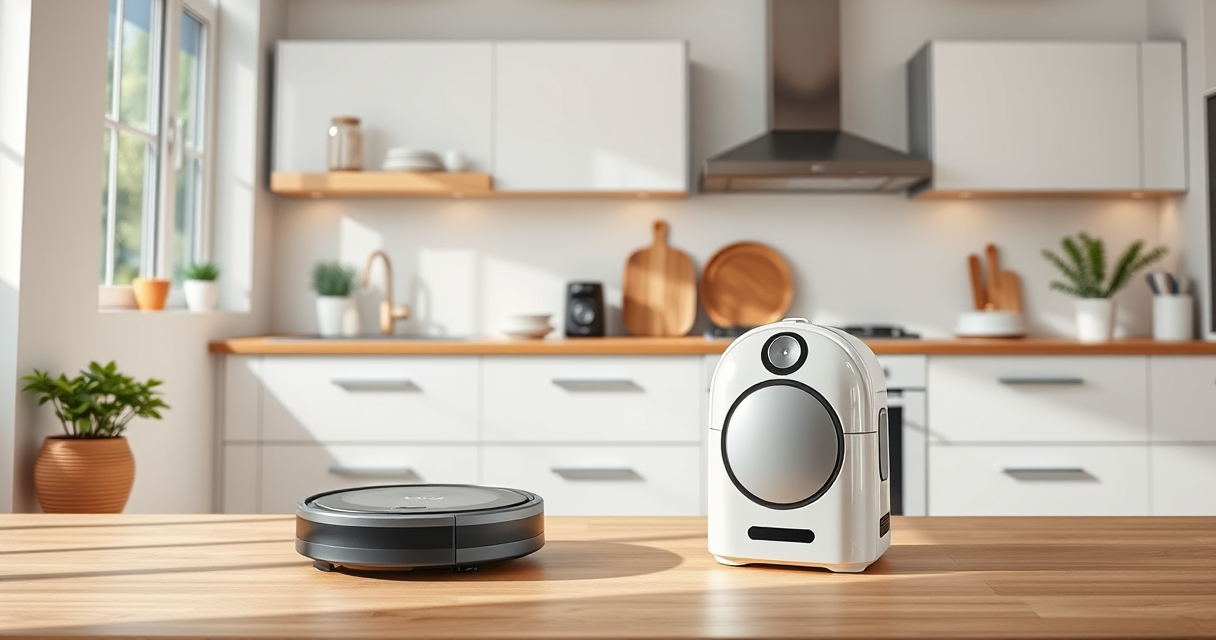
Maintaining your Roborock robot vacuum is essential for ensuring it continues to clean effectively and lasts longer. This guide provides practical, step-by-step instructions for routine cleaning, troubleshooting common issues, and replacing parts safely.

Get home appliances delivered free with Prime
- Fast, free delivery on millions of items
- Prime Video, Amazon Music and more included
- Member-only deals all year
Whether you’re dealing with tangled hair, dirty filters, or worn mop pads, these tips will help you keep your Roborock operating at peak efficiency.
Key Takeaways
| Routine Cleaning | Regularly clean filters, brushes, and mop pads to maintain suction and cleaning quality. |
| Filter Maintenance | Wash or replace washable filters every 1-3 months for optimal air quality and suction. |
| Brush Care | Remove hair and debris from side brushes and main brushes to prevent tangling and blockages. |
| Mop and Pad Checks | Inspect and replace mop pads periodically to ensure effective floor cleaning. |
| Troubleshooting | Address common issues like navigation errors or poor suction promptly to avoid bigger problems. |
Cleaning the Dustbin and Filters
- Remove the dustbin from the vacuum and empty the 2.7L sealed dust bag. This reduces frequency of emptying and maintains cleaning performance.
- Take out the washable filter and rinse it under cold water. Let it dry completely before reinserting to prevent mold and ensure proper airflow.
Cleaning the Main Brush and Side Brushes
- Turn off the robot and flip it over to access the brushes.
- Remove the main brush and clear any hair, string, or debris tangled around it.
- Check the side brushes and detach them if needed, cleaning thoroughly to prevent tangling.
Inspecting and Replacing Mop Pads
Check the mop pads for dirt, wear, or damage. Rewash microfiber pads if dirty, and replace them every 1-3 months to keep floors spotless. Use compatible mop pads such as the VIEWALL 6 Pack Reusable Mop Pads for best results.
Troubleshooting Common Issues
- If the vacuum is not charging, check the charging dock connections and ensure the robot is aligned properly.
- For navigation errors, clean the LiDAR sensor and remove obstacles from its path.
- If suction is weak, inspect and clean the filter, brushes, and suction inlet.
Tips and Warnings for Safe Maintenance
- Always power off the robot before cleaning or replacing parts to prevent injury or damage.
- Use only recommended accessories and replacement parts to avoid voiding the warranty.
- Avoid using harsh chemicals or abrasive tools on plastic parts or filters.
The Products in This Guide

roborock Q7 M5+ Robot Vacuum and Mop
- ✔ Weight: 7.7kg
- ✔ Dimensions: 353mm x 350mm x 99mm
- ✔ App Control: Yes

4 Pack Washable Filter
- ✔ Weight: Approx. 50g
- ✔ Dimensions: 65mm x 65mm x 20mm
- ✔ Replacement Frequency: Every 1-3 months
roborock Q7 M5+ Robot Vacuum and Mop
The Roborock Q7 M5+ combines powerful suction up to 10,000Pa with a self-emptying dust system, making it ideal for pet owners and busy households. Its upgraded design from the Q5 Max+ enhances durability and cleaning efficiency.
Pros:
- Up to 7-9 weeks of self-emptying
- Powerful 10,000Pa suction
- Dual anti-tangle system
- PreciSense LiDAR navigation
Cons:
- Higher price point
- Requires regular filter maintenance
- Mop pads not included
Best for: Homes with pets and high-traffic areas needing frequent cleaning
Not ideal for: Users seeking a budget-friendly model or basic vacuuming
Bottom line: A powerful, low-maintenance robot vacuum ideal for pet-friendly homes.
4 Pack Washable Filter
This 4-pack of washable filters is compatible with various Roborock models, including Q7 and Q5 series, providing an effective and cost-efficient filtration solution.
Pros:
- Compatible with multiple models
- Washable and reusable
- True HEPA filtration
- Simple installation
Cons:
- Not OEM, may vary slightly in fit
- Requires regular washing
- Not included in the original package
Best for: Extended filter maintenance and cost savings
Not ideal for: Users preferring OEM filters for exact fit
Bottom line: Cost-effective filters that maintain high filtration standards.
Frequently Asked Questions
How often should I clean the filters?
Wash the washable filters every 1-3 months, depending on usage, to ensure optimal airflow and filtration.
What should I do if the suction drops?
Check and clean the main brush, filters, and suction inlet for hair and debris. Replace filters if they are worn out.
Can I use regular water to clean the filters?
Yes, rinse the filters with cold water and let them dry completely before reinstalling. Avoid using soap or chemicals.
How do I troubleshoot navigation errors?
Clean the LiDAR sensor and ensure the robot has a clear, unobstructed path. Restart the device if issues persist.
Keep Your Roborock Running Smoothly
Regular maintenance of your Roborock Q7 M5+ ensures it continues to deliver powerful cleaning and reliable navigation. Follow these steps for cleaning filters, brushes, and mop pads, and address issues promptly. Proper upkeep also extends the lifespan of your device, giving you more time to enjoy a cleaner home with less hassle.
Affiliate disclosure: As an Amazon Associate we earn from qualifying purchases. Prices and availability are accurate as of the time of publishing.
Fall yard work Picks
leaf blowers
As an affiliate, we earn on qualifying purchases.